The inspector pane contains information about the run that’s currently displayed in the detail pane. It includes information about the recording and, for some instruments, additional details about the selected data.
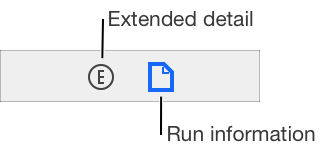
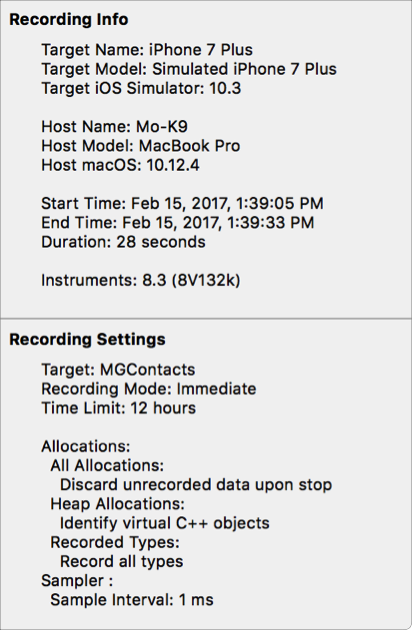
Run information area
The run information area shows information about the run displayed in the detail pane including the target, recording time, and the settings used for the recording.
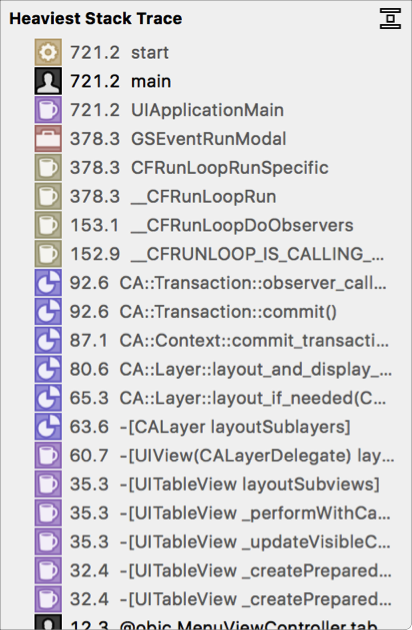
Extended detail area
The extended detail area is used to display additional instrument-specific information about selected data in the detail pane, such as a complete stack trace.