
Files you select in the Project navigator of the main window open in the editor area on the right. The editor that appears depends on the type of file that is opened. For example, if you select a source code file, the source editor opens the file, and if you select a property list file, the property list editor appears.
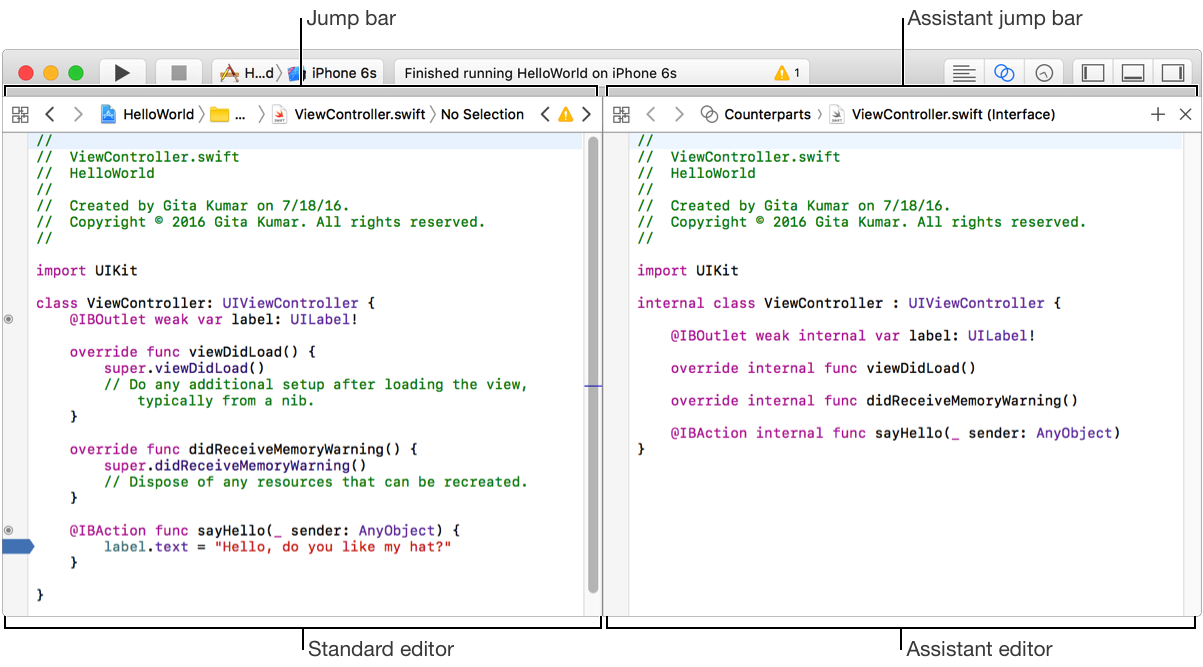
The different editors are:
Asset catalog editor: Edit the contents of an asset catalog containing resources used in your app.
Core Data mapping model editor: Graphically create and edit a mapping between an old Core Data store and a new one.
Core Data model editor: Implement or modify your Core Data model.
Interface Builder: Graphically create and edit a user interface file.
Playground editor: Edit and execute Swift code in an interactive environment.
Project editor: View and edit your project and target settings, such as build options, target architectures, and code signing characteristics.
Property list editor: View and edit various types of property list files.
Rich text editor: Open, write, and edit rich text (.rtf) files.
SceneKit particle system editor: Create and edit a system of particle emitters for SpriteKit.
SceneKit scene editor: Create and edit a scene for SceneKit.
Script editor: Create and edit AppleScript script files.
Scripting dictionary editor: Create and edit the scripting definition (.sdef) file for your app.
Source editor: Write your code, set and enable or disable breakpoints, control program execution, and edit Markdown files.
SpriteKit particle emitter editor: Create and edit particle emitters for SpriteKit.
SpriteKit scene editor: Create and edit a scene for SpriteKit.