Align text horizontally
Select text, then do one of the following:
Tap
 in the shortcut bar above the keyboard, then tap an alignment option.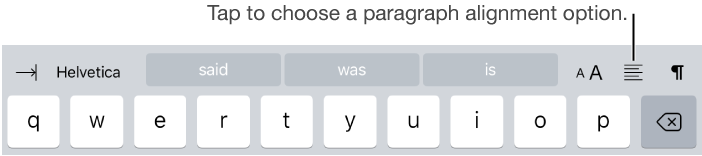
Tap
 in the toolbar, tap Style, then tap one of the alignment buttons.

You can adjust paragraphs in a page, column, table cell, text box, or shape so that text is aligned to the left or right, centered, or aligned on both the left and right (justified).
You can also align text vertically in a text box, shape, or a table cell, column, or row.
Select text, then do one of the following:
Tap in the shortcut bar above the keyboard, then tap an alignment option.
Tap in the toolbar, tap Style, then tap one of the alignment buttons.
Tap a text box, a shape with text, or a table cell, column, or row.
Tap in the toolbar, then tap Text.
Tap Arrange, then tap a vertical alignment button.