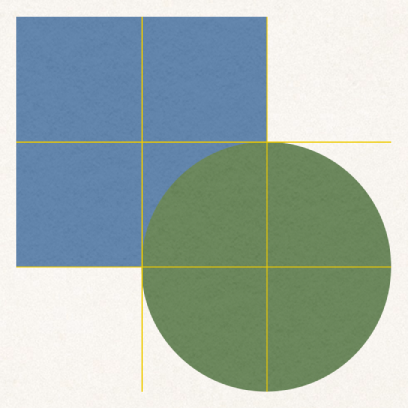

Use alignment and spacing guides to help you place objects precisely. When guides are turned on, they appear as you drag an object on a page in alignment with, or equidistant to, another object. You can turn the guides off and on as needed.
Tap  , then tap Settings.
Tap Guides, then tap to turn on a guide.
Center Guides: Appear when an object’s center aligns with another object or the center of the page.
Edge Guides: Appear when an object’s edges align with the edges of another object.
Spacing Guides: Indicate when three or more objects are placed equally apart in a line.