
Behaviors are animation and simulation effects that you can apply to image layers, cameras, and lights to build sophisticated motion effects without keyframes. Some behaviors even adjust individual parameters of objects in your project, allowing you to customize animated effects with extreme precision.
Behaviors are designed to be flexible and can be combined with one another to create all kinds of effects.
Behavior categories are organized alphabetically in the Library.
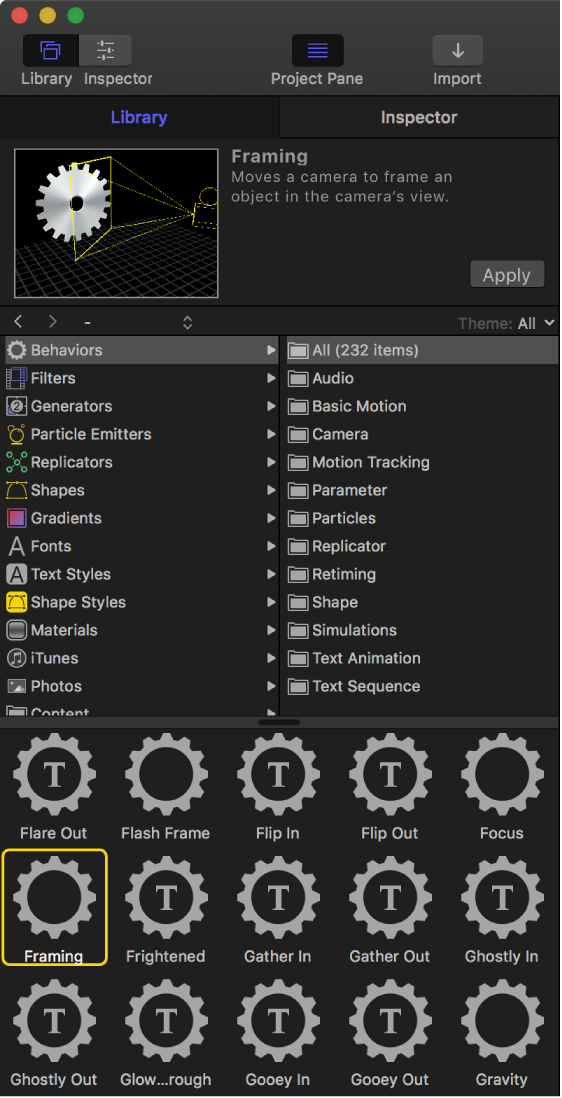
You can preview a behavior before you apply it.
You can apply a behavior by dragging it from the Library onto an object in the Layers list, Timeline, or canvas, or by using the Behaviors pop-up menu in the toolbar. You can apply a behavior to an individual parameter from within the Inspector.
You can adjust an applied behavior using controls in the Behaviors Inspector or HUD. (For a list of parameter controls in each behavior, see Behavior types overview.)