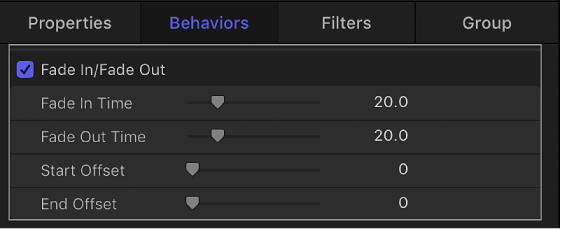
You edit behavior parameters in the Behaviors Inspector or in the HUD. All behavior parameters appear in the Behaviors Inspector. Each behavior has a subset (or sometimes a complete set) of parameters that appear in the HUD. The HUD and the Behaviors Inspector reference the same parameters, so changing a parameter in one changes the same parameter in the other.
In general, the parameters that appear in the HUD are the most essential for modifying that behavior’s effect. Frequently, the controls available in a behavior’s HUD are more descriptive and easier to use than those in the Behaviors Inspector.
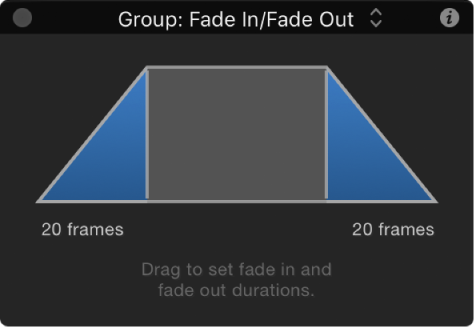
For example, the Fade In/Fade Out behavior HUD contains a graphical control for adjusting a layer’s fade time.
However, the Fade In/Fade Out Behaviors Inspector contains standard sliders for adjusting a layer’s fade time.