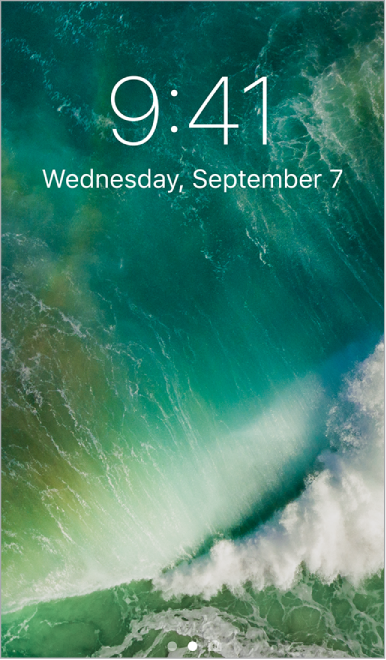
Press the Sleep/Wake button to see the Lock screen and quickly access the features and information you need most. You can see your most recent notifications without unlocking iPod touch. You can also:
Swipe down from the top of the screen to see all your recent notifications at once in Notification Center.
Swipe up from the bottom of the screen to open Control Center.
Swipe right to see Today View and get information from your favorite apps.
Swipe left to open Camera.
Unlock iPod touch. Press the Home button, then enter the passcode (if required).