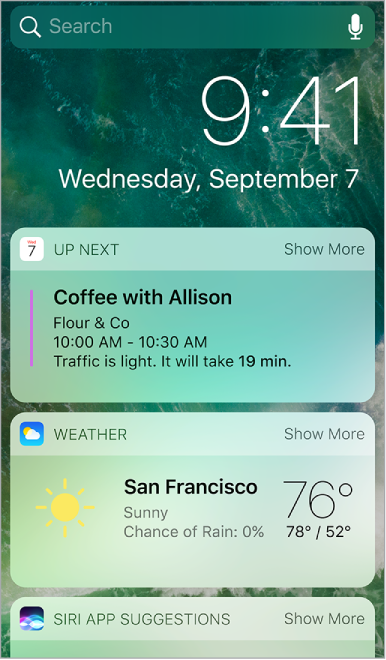
Get information from your favorite apps, at a glance. Choose from Maps Nearby, Calendar, Notes, News, Reminders, and more.
Open Today View. Swipe right from the left edge of the Home screen or Lock screen.
Add and organize Today View widgets. To choose which widgets appear, tap Edit at the bottom of the screen. Tap  or
or  to add or remove widgets. To arrange the order of your information, touch
  , then drag to a new position.
Choose whether to allow access to Today View when iPod touch is locked. Go to Settings > Passcode.