
When you’re ready to profile your app, you initiate recording. While recording, the instruments in your trace document monitor your app based on their configurations. As recording occurs, the timeline pane and detail pane update to provide a live view of what’s being captured.
Do one of the following:
Click the Record button ( ) in the trace document toolbar.
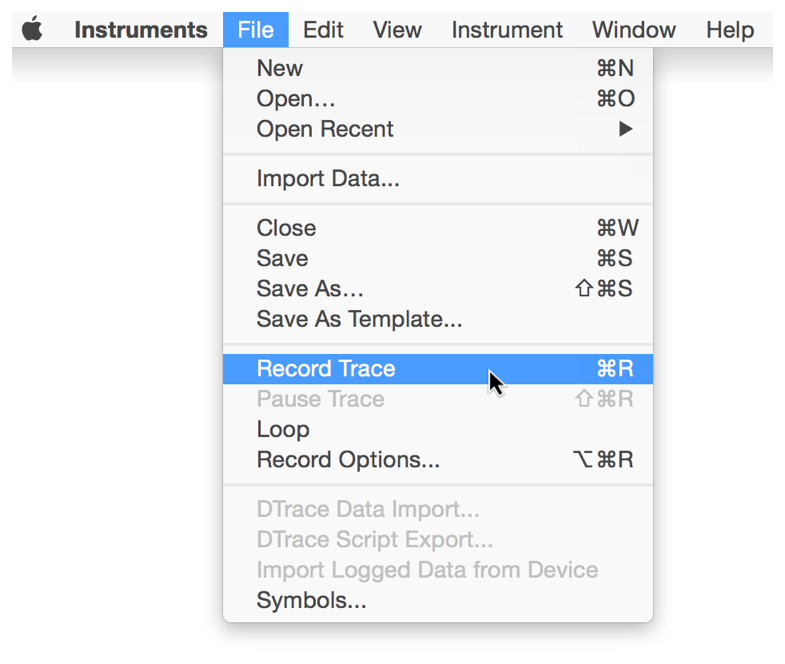
Choose File > Record Trace (or press Command-R).
Press Command-R again to stop recording.