The Xcode build menu allows you to run, test, and analyze your app. It also allows you to profile your app with instruments.
Open an app project in Xcode.
Do one of the following:
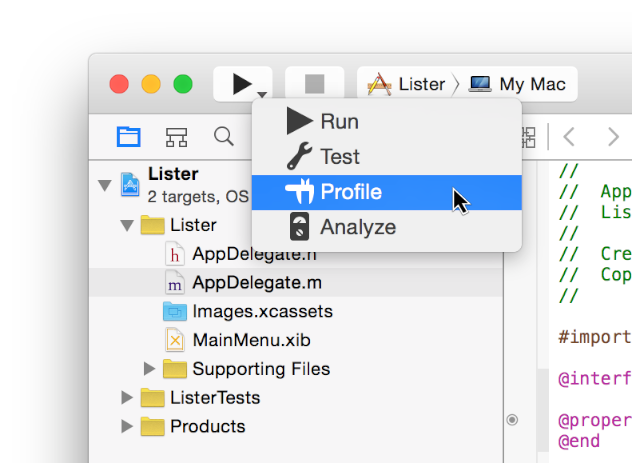
Click and hold the build menu in the Xcode main window, and choose Profile from the menu that appears.
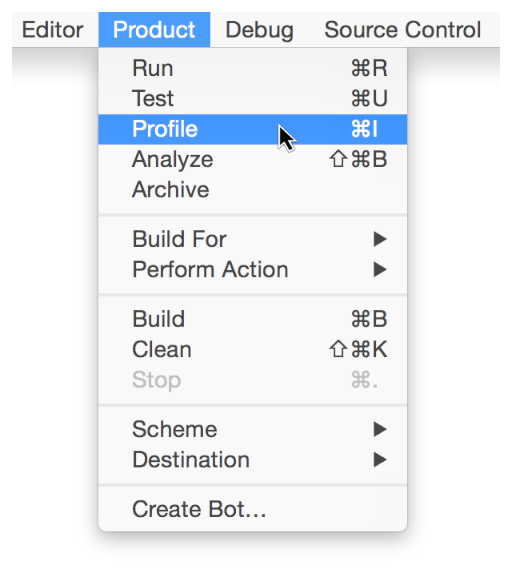
Choose Product > Profile (or press Command-I).
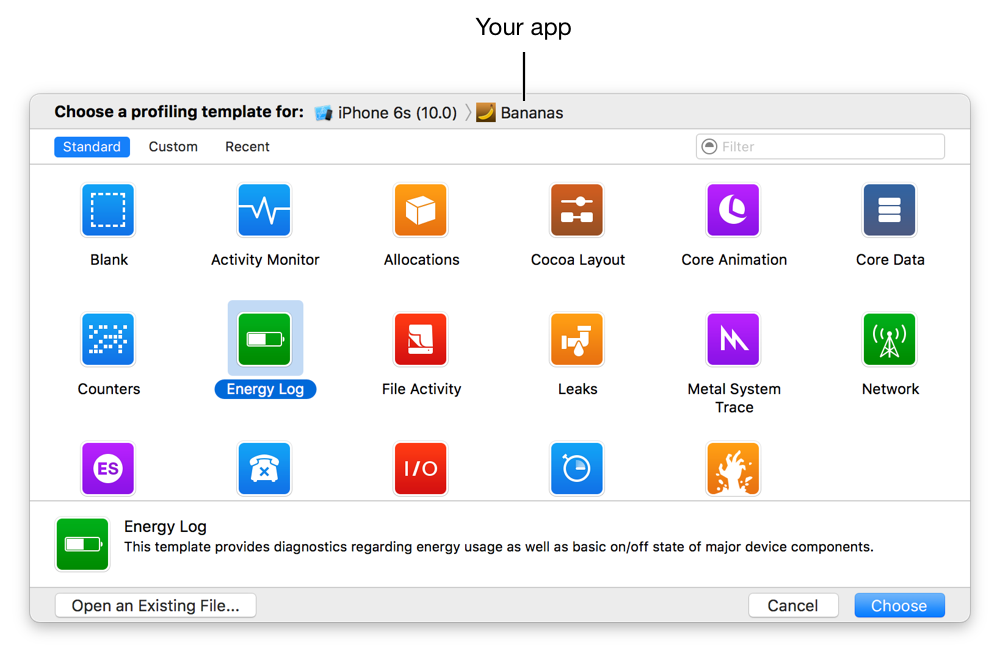
Instruments launches, and the profiling template selection dialog appears. Note that your app is automatically selected in the target device and process lists.