
You need to create a trace document to begin profiling with Instruments.
Launch Instruments.
In the profiling template selection dialog that appears, select a target device and process.

Select the desired profiling template.
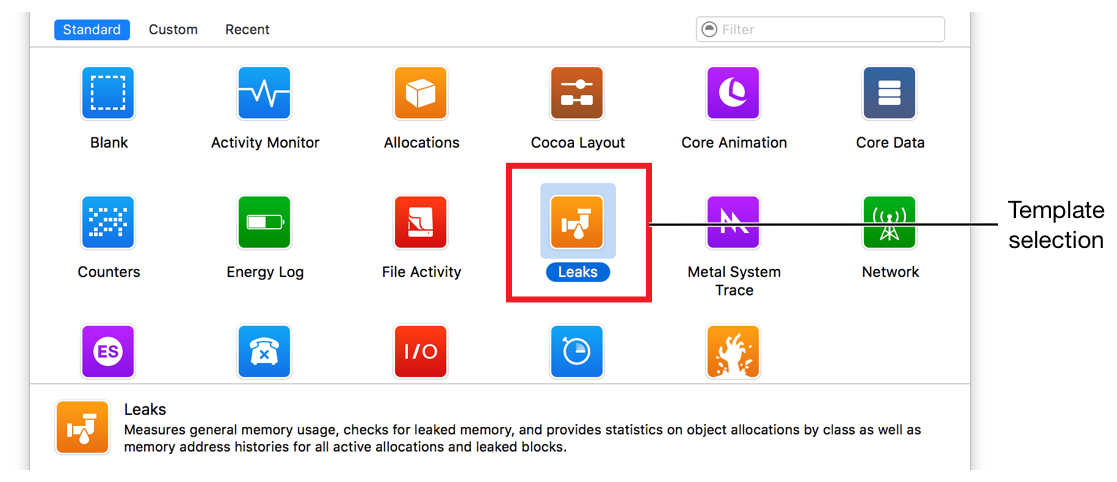
Click Choose.
A new document is created with the preconfigured instruments from the template you chose.
Tip: To automatically begin profiling your app immediately after creating the trace document, hold down the Option key in the profiling template selection dialog. When you do this, the Choose button changes to Profile. Click Profile to create the document and initiate profiling right away.
If you can’t find a template to meet your needs or you just want to create your own from scratch, select the Blank template in the profiling template selection dialog.