
Target lists are available in the toolbar of every trace document, allowing you to change the target to a specific device and process at any time while working in a trace document.
Click the target device list or target process list, and select the desired device and process.

Some instruments allow you to target all processes. If you want to do this, select All Processes in the target process list.

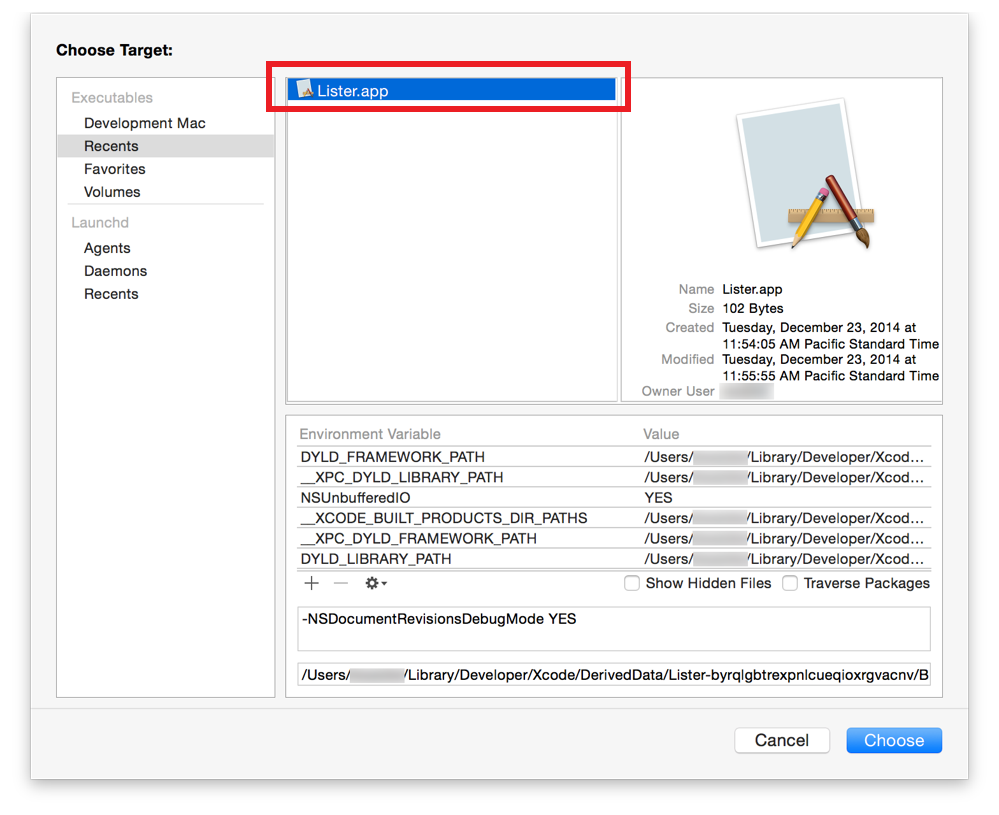
If the desired process isn’t listed, select Choose Target in the target process list. This displays a dialog that allows you to browse for any process. You can also configure environment variables for a process through this dialog.

Tip: If you attempt to profile an app you’ve targeted, but the app isn’t actively running, Instruments launches it automatically.