
Open saved trace documents to view results from previous runs or to perform additional profiling.
Do one of the following to open a trace document:
Double-click the .trace document file in the Finder.
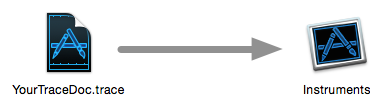
Drag the .trace document file onto the Instruments app icon.
Open Instruments and perform the following steps:
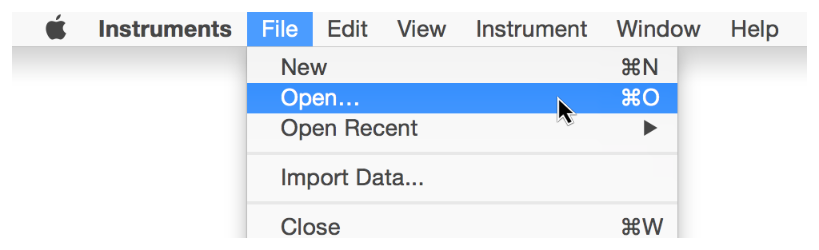
Choose File > Open (or press Command-O).
Locate a saved .trace document file.
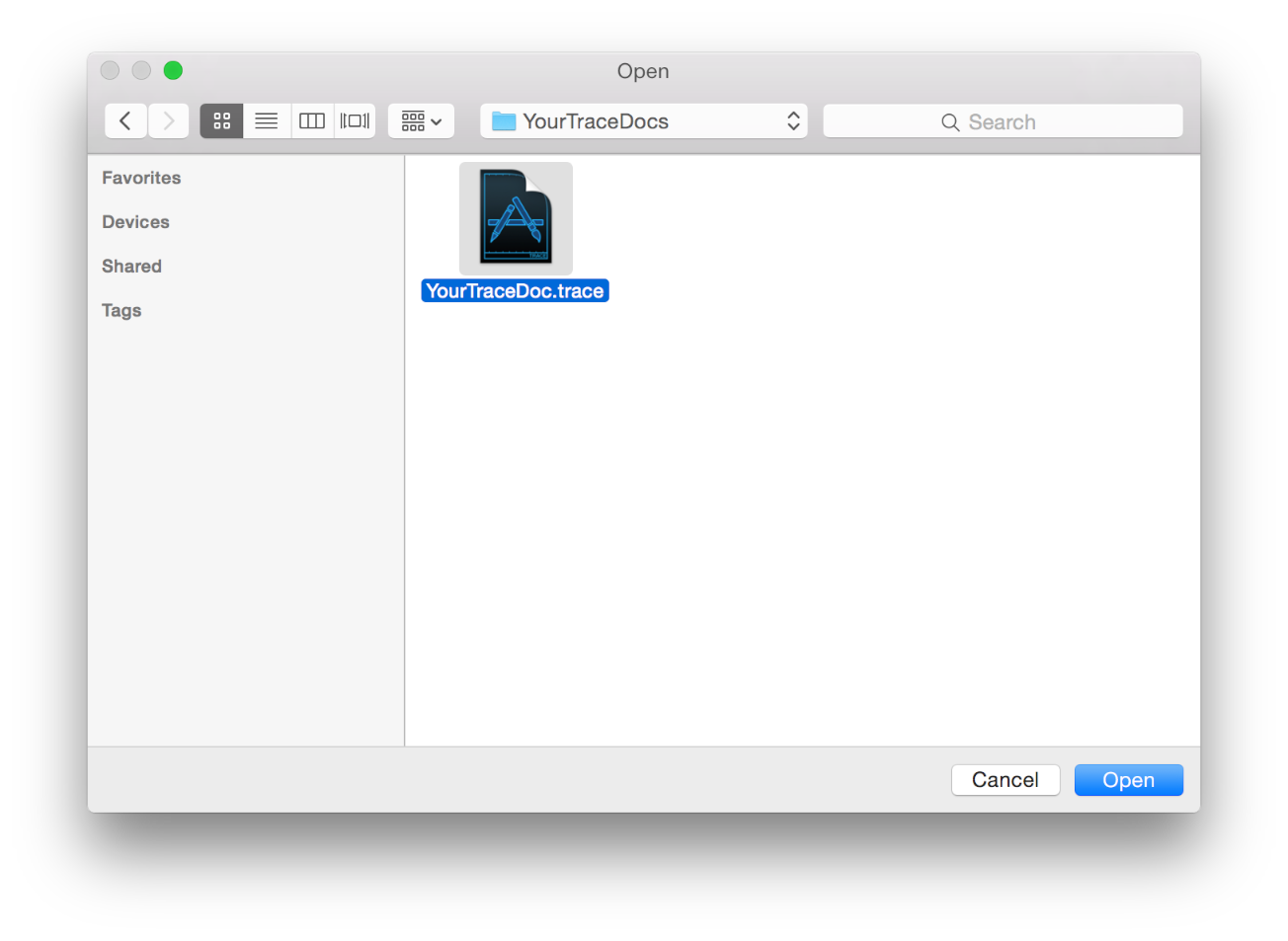
Click Open.
The trace document opens in Instruments.