
Before targeting an Apple Watch with Instruments, you must first prepare the Apple Watch for profiling.
Ensure that your Apple Watch is paired with your development iPhone.
Quit Instruments.
Launch Xcode.
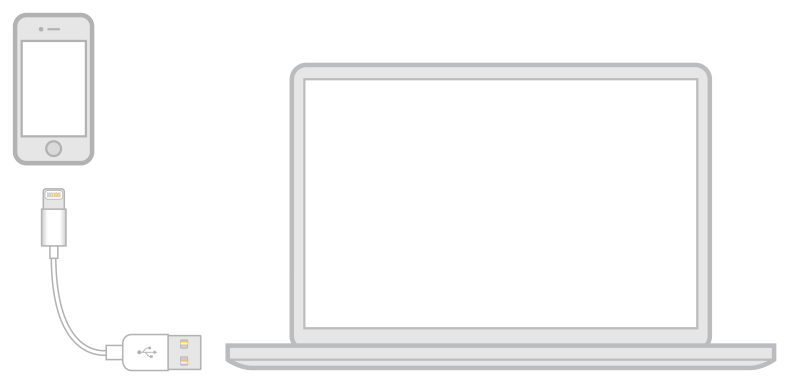
Connect the iPhone that’s paired with your Apple Watch to your development Mac by a USB or Lightning cable.
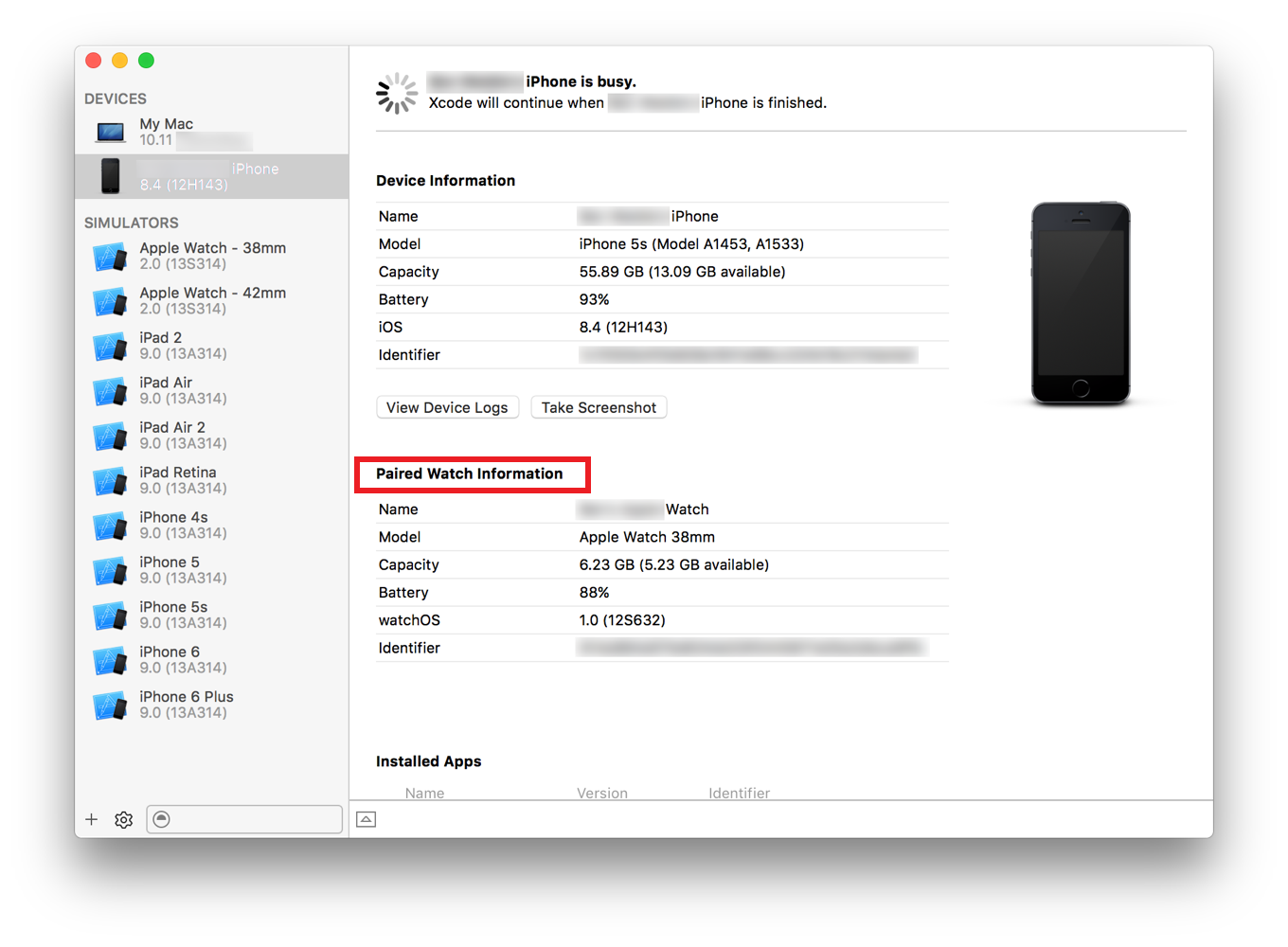
Choose Window > Devices (or press Shift-Command-2) to open the Devices window in Xcode.
Wait for the iPhone to appear in the Devices list.
Wait for the Apple Watch to appear as a paired device for the iPhone.
Wait for Xcode to indicate that the Apple Watch has been prepared. This process may take several minutes.
Disconnect the iPhone from the USB or Lightning cable.
Connect the iPhone to the USB or Lightning cable again.
Once your Apple Watch has been prepared for profiling, relaunch Instruments, and the Apple Watch appears in the target device list.
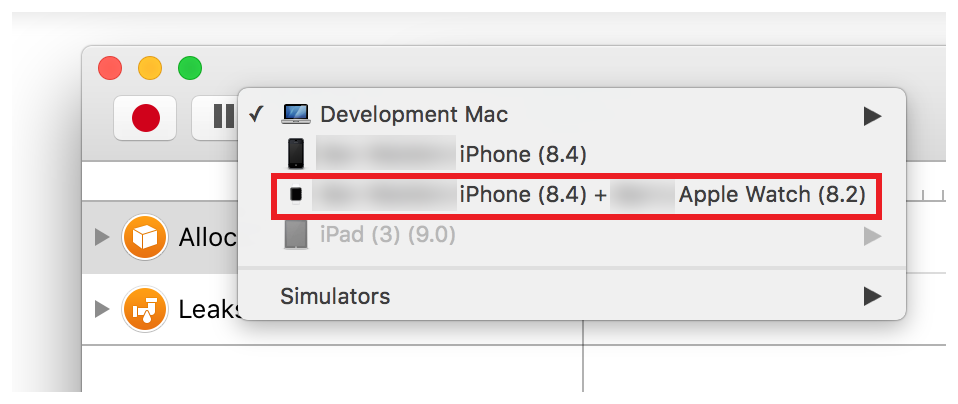
Note: When profiling an Apple Watch, your development iPhone acts as a proxy, relaying information between the Apple Watch and Instruments.