
Before you can use a test plan, you must convert the scheme to use test plans.
Choose Product > Scheme > Convert Scheme to use Test Plans.
In the sheet that appears, select a conversion option, then click Convert.
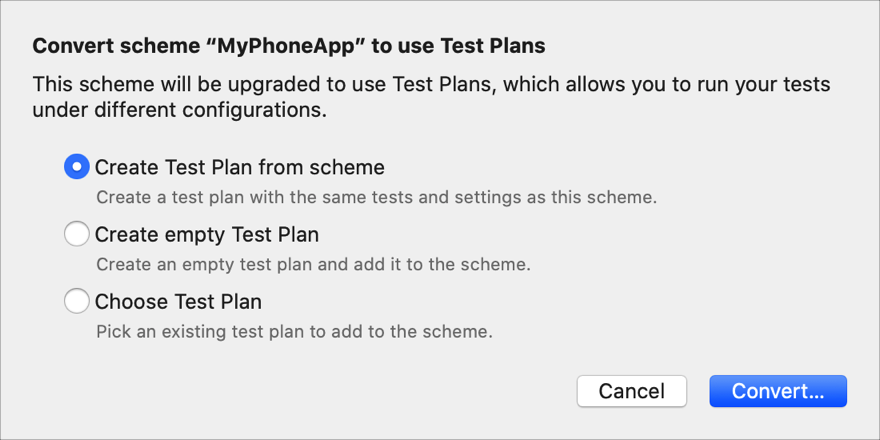
Create Test Plan from scheme: Creates a test plan with settings from an existing scheme.
Create empty Test Plan: Creates a test plan with default settings.
Choose Test Plan: Adds an existing test plan to the scheme.
If you select this option, select the test plan and click Add in the next sheet.
In the next sheet, enter a name for the test plan and select a location in your project, then click Save.
Alternatively, convert a scheme while editing or managing schemes. Choose Product > Scheme > Edit Scheme, click Test scheme and the Info pane, then under the Tests table, click “Convert to use Test Plans.” Otherwise, choose Product > Scheme > Manage Schemes, select a scheme, then choose “Convert to use Test Plans” from the gear pop-up menu.