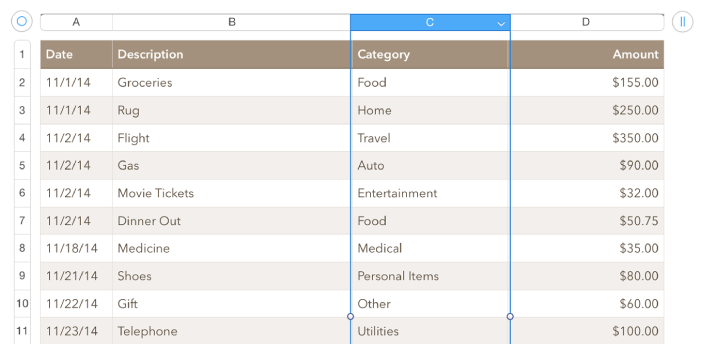

When you add a table, you choose from a number of predesigned styles that match your theme. After you add a table, you can customize it however you like.
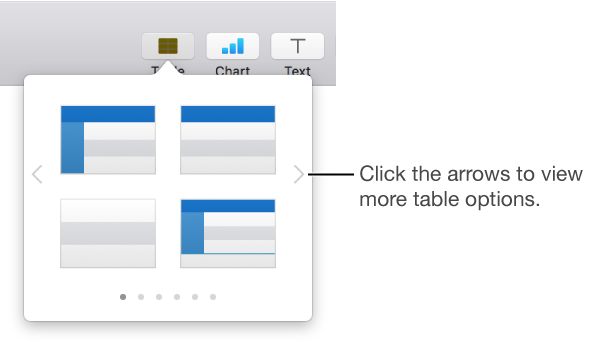
Click  in the toolbar, then select a table or drag one to the slide.
Click the arrows  and
and  to see more table options.
Do any of the following:
Type in a cell: Click the cell, then start typing.
Move the table: Click it, then drag  in the top-left corner to move it to where you want it.
Change the look of the table or its cells: Use the controls in the sidebar on the right. If you don’t see a sidebar, or the sidebar doesn’t have a Table tab, click  in the toolbar.
Click the table, click in its top-left corner to select the whole table, then press Delete on your keyboard.