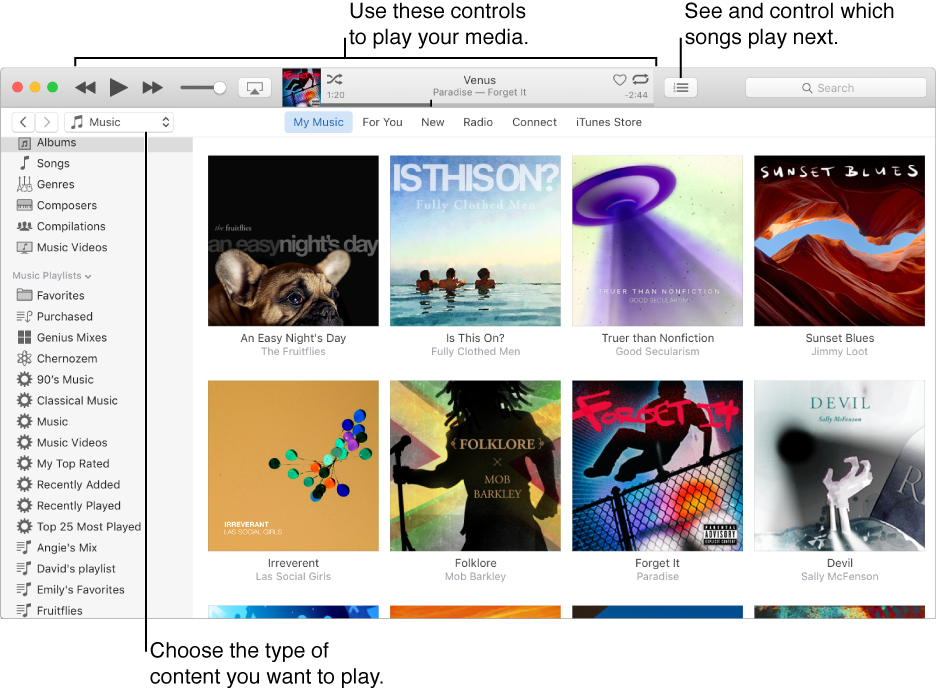

Use iTunes to play music, movies, TV shows, podcasts, and other items in your iTunes library. You can also play CDs, DVDs, Internet radio stations, and other content from the web.
Double-click the item.
A blue dot  next to a movie, TV show, podcast, iTunes U lesson, or audiobook means it’s never been played. A half-blue dot
  means the item hasn’t been played all the way through.