Instruments collects massive amounts of information as it profiles. You can quickly filter this data by setting the detail pane to show only events that occurred within a specific time range.
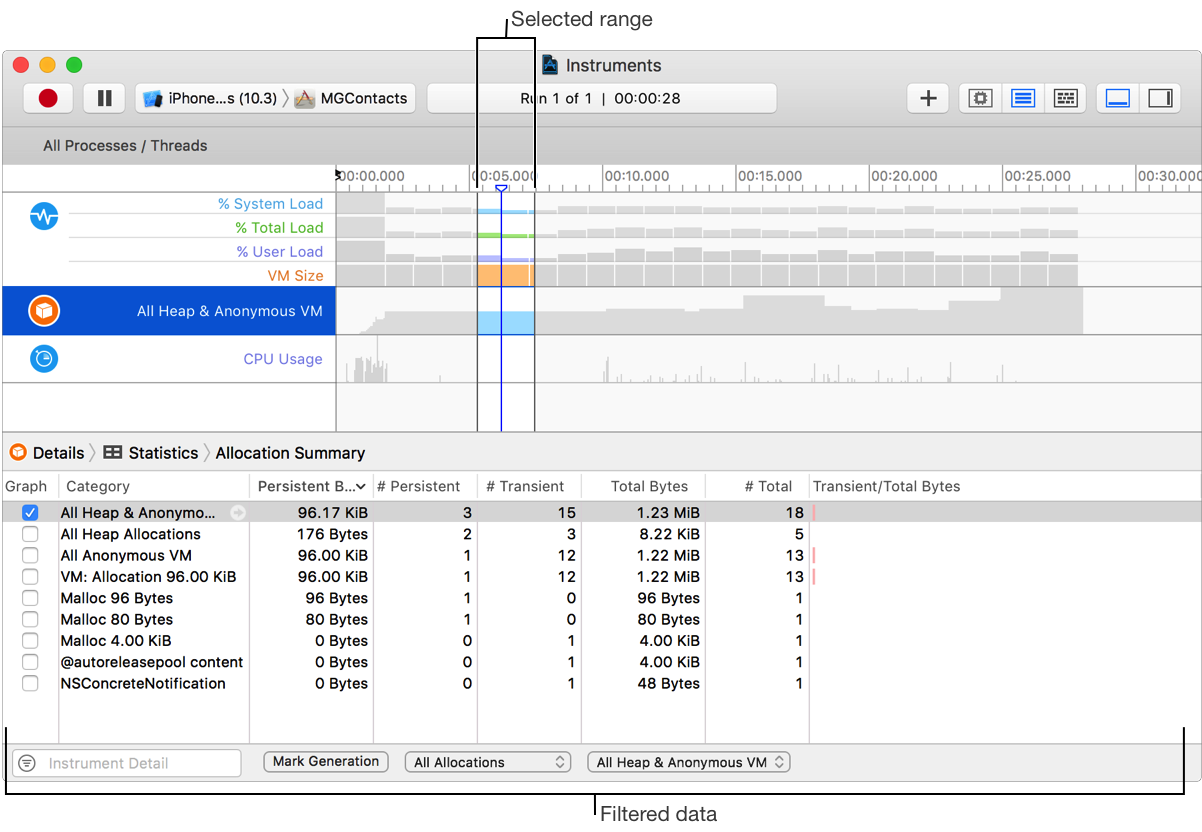
Drag across a section of data without using any modifier keys. Only the data you drag across is displayed.
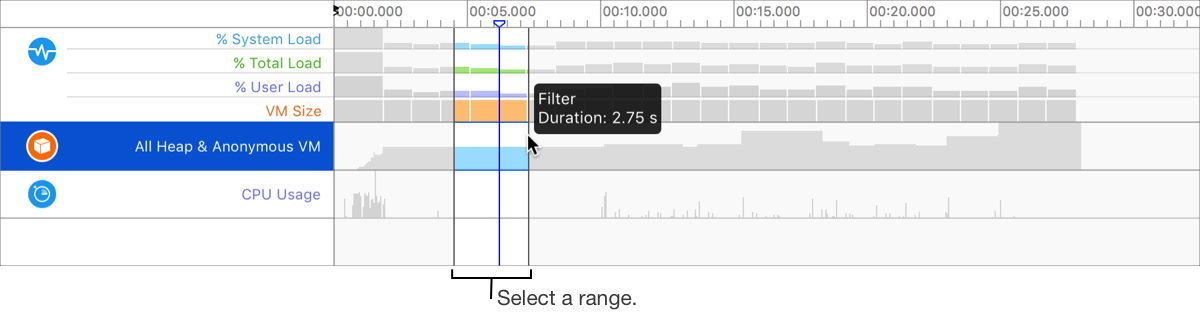
Instruments highlights the contents of the timeline pane that fall within the range you specified.
Do one of the following:
Click outside the selected range in the timeline pane.
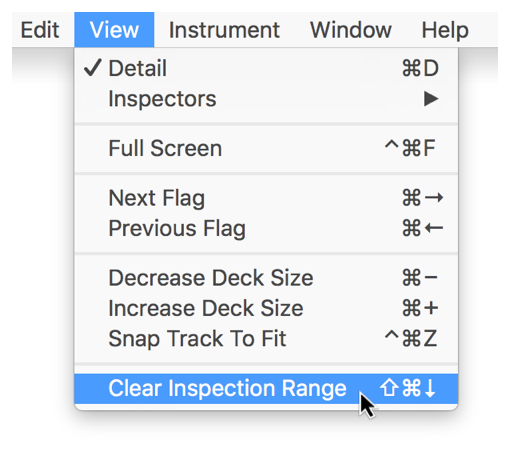
Choose View > Clear Inspection Range.