
Use the CPUs pane in the preferences window to specify the CPU configuration of your device.
Choose Instruments > Preferences, and click CPUs.
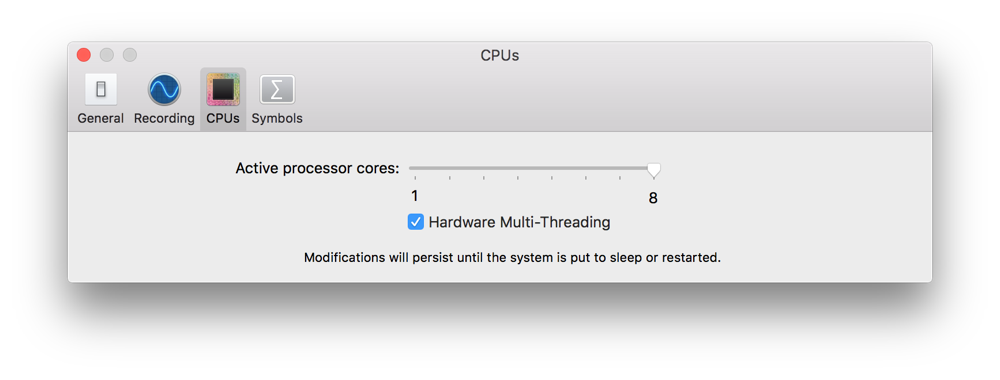
You can configure the following options:
Option | Description | ||||||||||
|---|---|---|---|---|---|---|---|---|---|---|---|
Active processor cores | Adjusts how many cores of your system are active. Only active cores are scheduled to perform any operations when profiling. Use the slider to set the number of active cores equal to the number of cores on the device that you expect your app to run on. Changes to this preference persist until you change it again or until your system is put to sleep or restarted. | ||||||||||
Hardware Multi-Threading | Allows CPU cores to utilize multiple execution units. When disabled, there is only one active execution unit per processor core. | ||||||||||