
If you’ve captured a lot of data with a trace, you can expand or contract the detail presented in the timeline pane, allowing you to focus in on a specific subset of data.
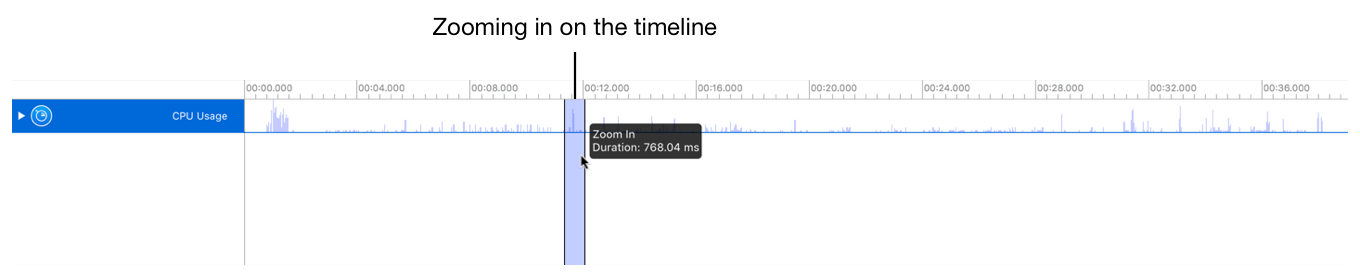
Do one of the following:
To zoom in or out, pinch the trackpad.
To zoom in or out, use the scroll wheel while pressing the Option key with the pointer positioned over the track view.
To zoom in, press the Option key, and drag across the section of data you wish to isolate.
To zoom out, press the Control key, and drag across a section of data.
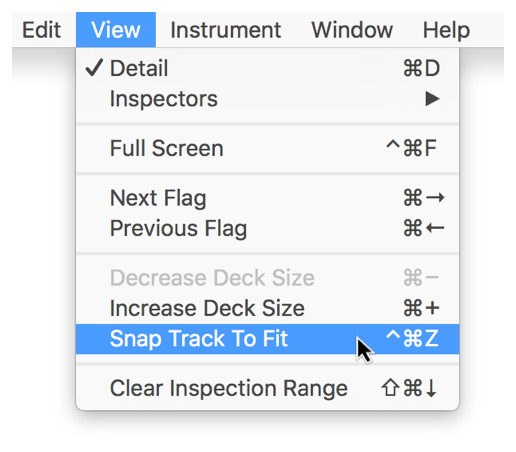
Choose View > Snap Track To Fit (or press Control-Command-Z).
Choose View > Increase Deck Size (or press Command-Plus Sign).
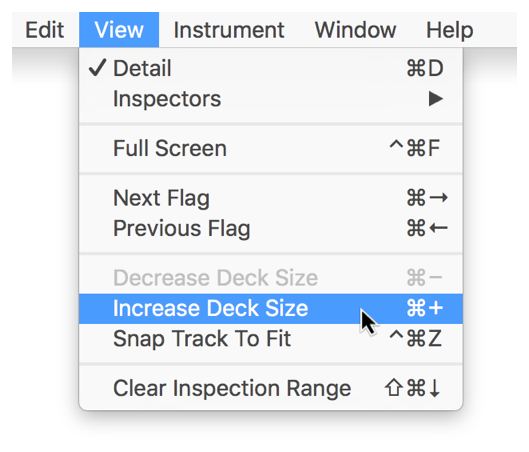
The track for the currently selected instrument increases in height, allowing you to view it in greater detail.

Choose View > Decrease Deck Size (or press Command-Minus Sign).
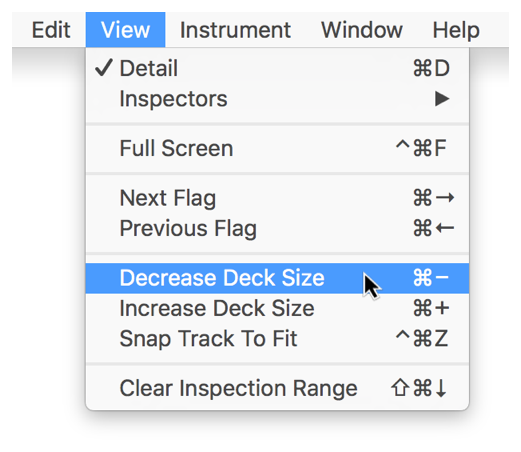
The track for the currently selected instrument decreases in height.