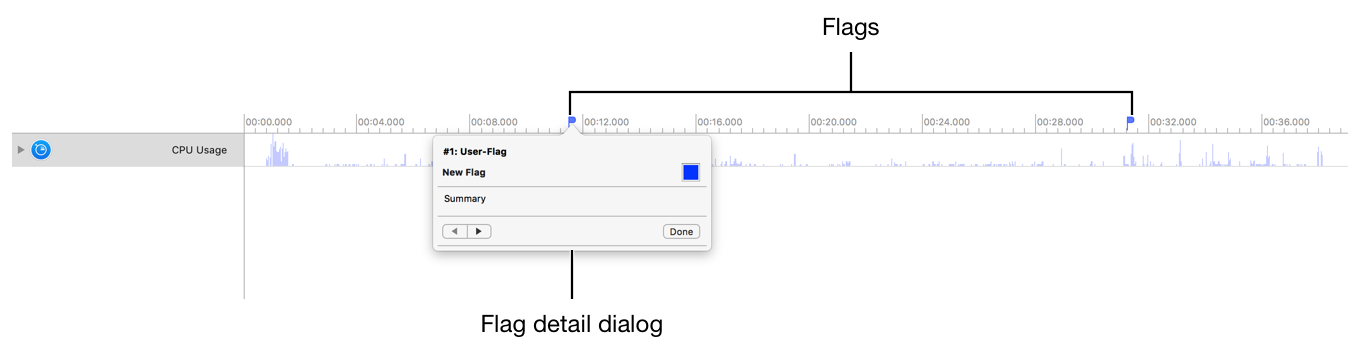
Flags allow you to quickly access points of interest in the timeline pane. You can add a name and description to each flag.
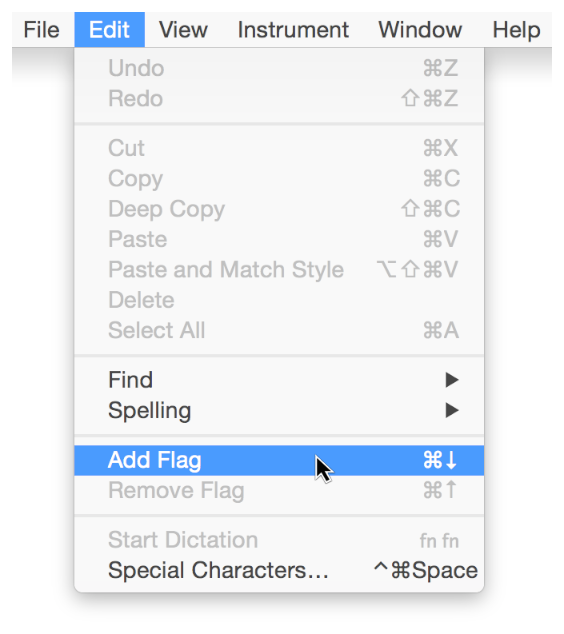
Choose Edit > Add Flag (or press Command-Down Arrow).
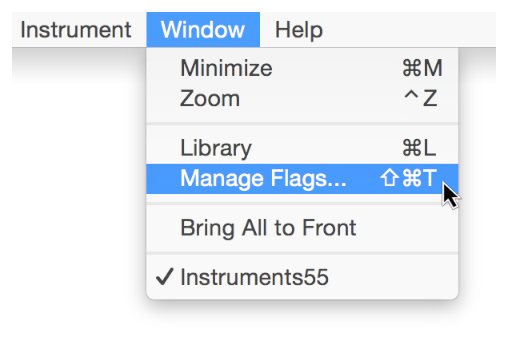
Choose Window > Manage Flags (or press Shift-Command-T) to display the Flags palette.
Click a flag in the Flags palette to navigate to it in the timeline pane.
Drag the flag out of the timeline navigation bar.
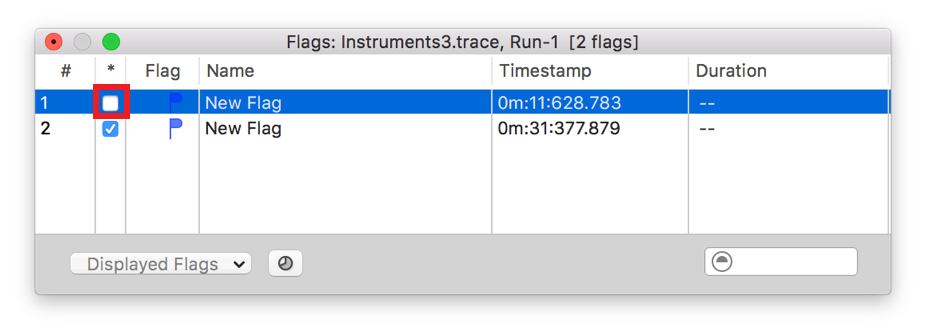
Choose Window > Manage Flags (or press Shift-Command-T) to display the Flags palette.
Deselect the checkbox next to a flag in the Flags palette to hide it in the timeline pane.