
In the SceneKit scene editor, use the viewport and the scene graph view to change the perspective of the animation preview.
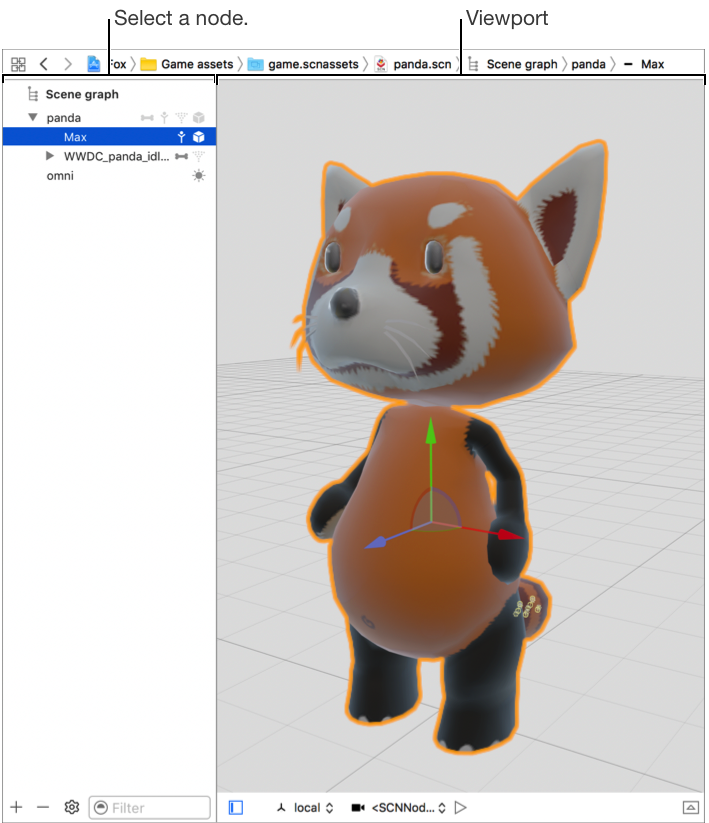
The controls at the bottom of the viewport allow you to customize your view and play your scene’s animation.

Browse a scene from a point of view defined in the scene graph: Use the mouse or trackpad to manipulate the point of view directly in the viewport or select a camera or light object in the point of view pop-up menu.
Lock the camera: Click the lock icon next to the point of view pop-up menu.
Play or stop the animation: Click the Play or Stop button.