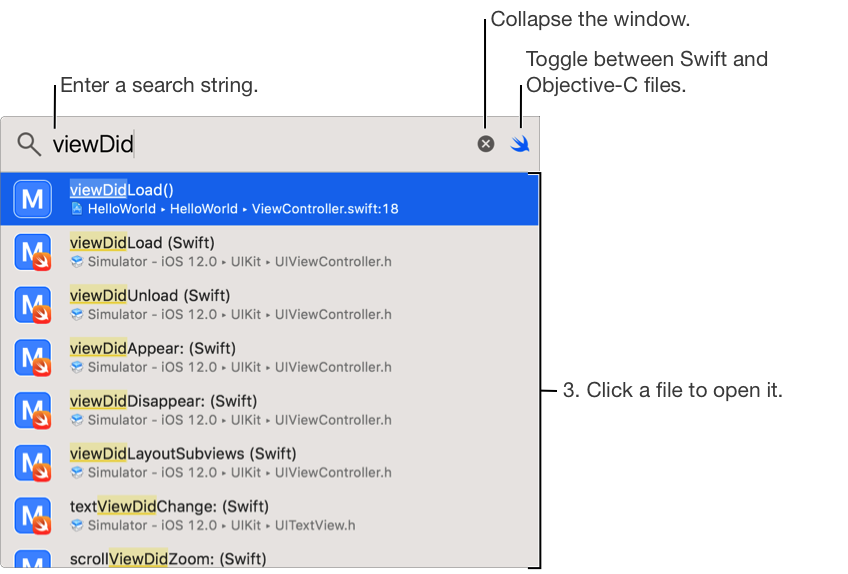
Choose File > Open Quickly (Command-Shift-O) from anywhere in your project.
In the search field popover, enter some or all of the symbol name.
Select an item in the list of completions and press Return to open the file.
Use the up and down arrow keys to navigate the list of completions.