
Examine UI test and unit test failures to determine the source of issues.
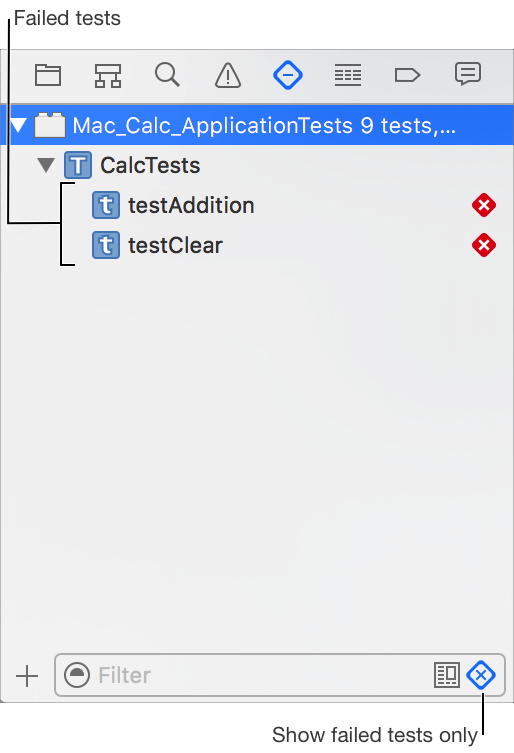
Click the Failed Test button ( ) at the bottom of the Test navigator to show only the failed tests.
Select a failed test method to examine it in the editor area.
Address the reason for the failure.
Run the test again.