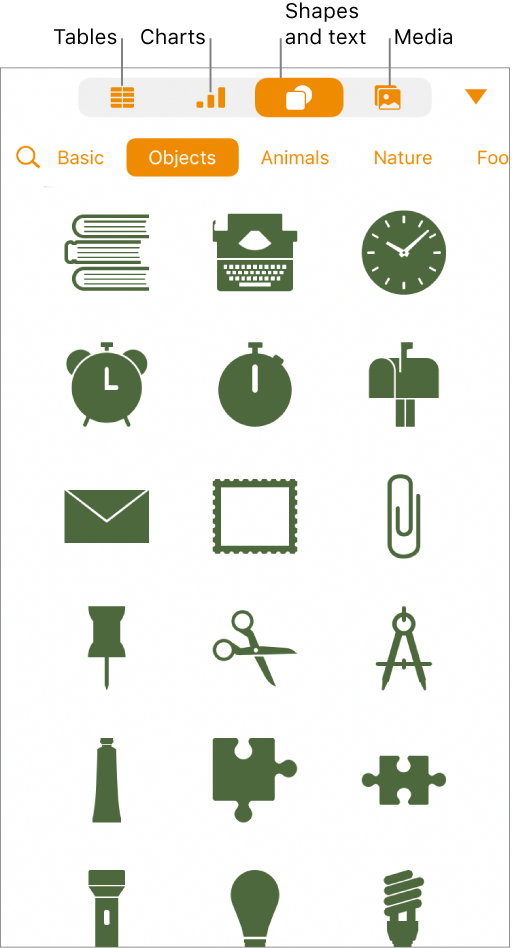
An object is any item you place on a page. Tables, charts, text boxes, shapes, and photos are examples of objects. When you tap  in the toolbar, then tap a button, you see different styles of tables, charts, shapes, or media that you can add to your pages.
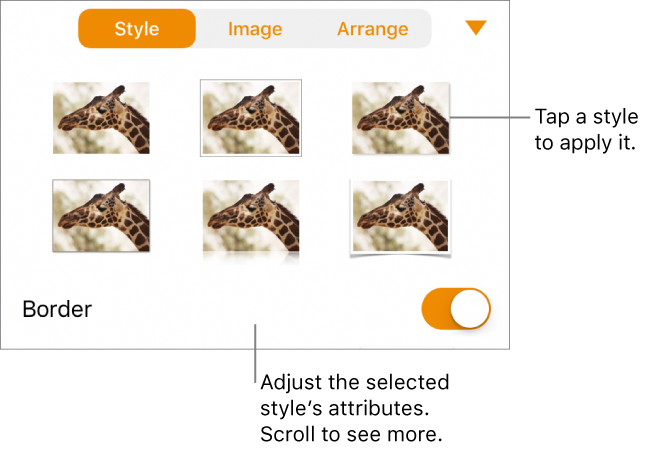
You can change the look of an object by modifying individual attributes of it—like its fill color, border, shadow, and more—or you can quickly change the overall appearance of an object by applying a predesigned object style to it. Object styles are combinations of attributes that are designed to match the template you’re using.
Tap  to see controls for changing the look of objects. Each object has its own formatting options; when you select a shape, for example, you see only controls for formatting shapes.