You can align multiple objects relative to one another, or specify an object’s location using its x and y coordinates.
You can nudge an object to move it by single-point increments.
Touch and hold the object with one finger, then use another finger to swipe anywhere on the page, in the direction you want the object to move.
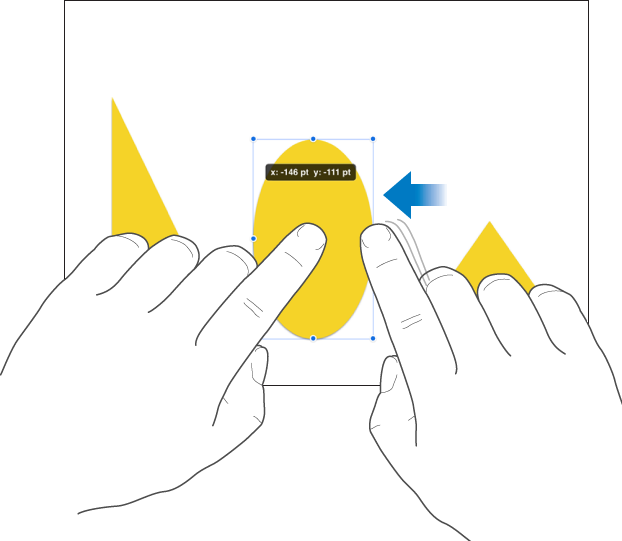
As you swipe, you can see the object’s position changing by single-point increments. Swipe with two, three, four, or five fingers to nudge the object by 10, 20, 30, or 40 points, respectively.
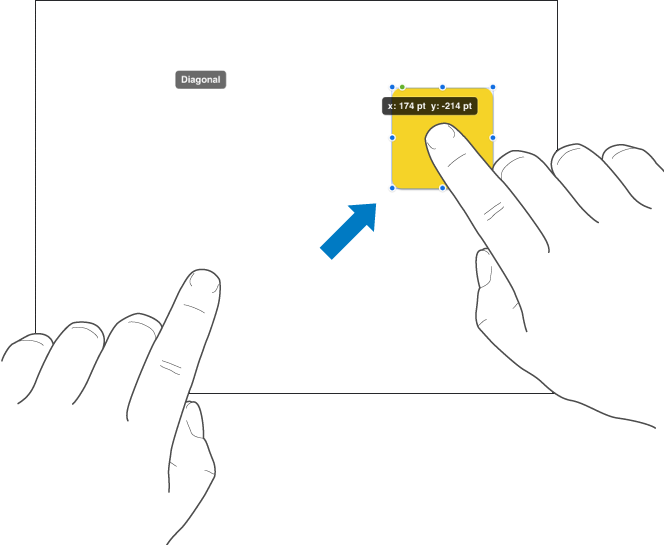
You can constrain an object to move in a straight line as you drag.
Touch and hold one finger anywhere on the screen while you drag the object across a page using one finger on your other hand.
You can drag an object horizontally, vertically, or diagonally (at a 45-degree angle).