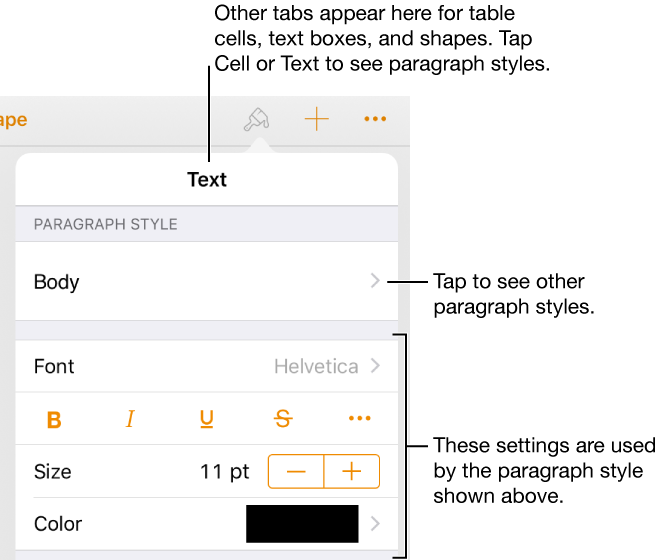
A paragraph style is a set of attributes—like a font size and color—that determines how text looks. Using paragraph styles helps you keep text formatting consistent throughout your document. For example, if you apply the paragraph style Heading to text, that text automatically matches other headings that use that style.
Every Pages template includes predesigned paragraph styles.
Select the text you want to change—or tap a text box, shape, or table cell, then tap  .
.
If you don’t see text controls, tap Cell or Text.
Tap the style name below Paragraph Style, then tap a new paragraph style (scroll to see more).