
You can view the audio elements in your project in several places in the Motion interface. You can import audio and video files into Motion, and then make adjustments to individual audio tracks or to the overall sound mix in your project. The workflow for adding and adjusting audio tracks in Motion is similar to the basic video workflow:
Add audio files to your project (or add video files that contain audio).
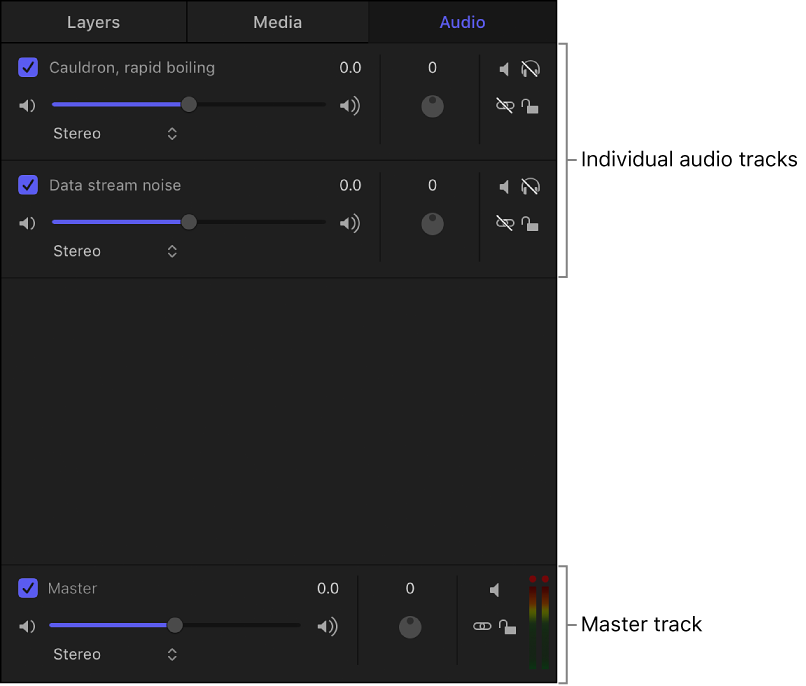
Adjust individual audio tracks or adjust the Master track (the overall mix).
Adjust audio timing by trimming, slipping, and sliding tracks or by changing the speed of tracks.
Add effects such as fade-ins, crossfades, and pans using keyframes or using behaviors.
Finally, export audio with video, or export audio alone, in various formats.