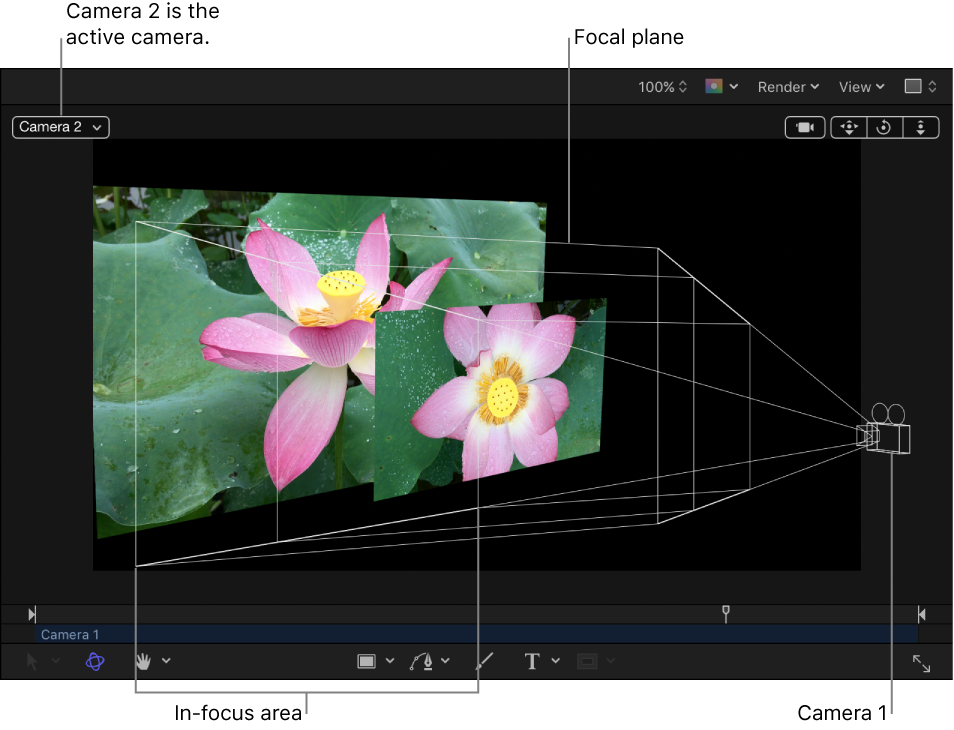
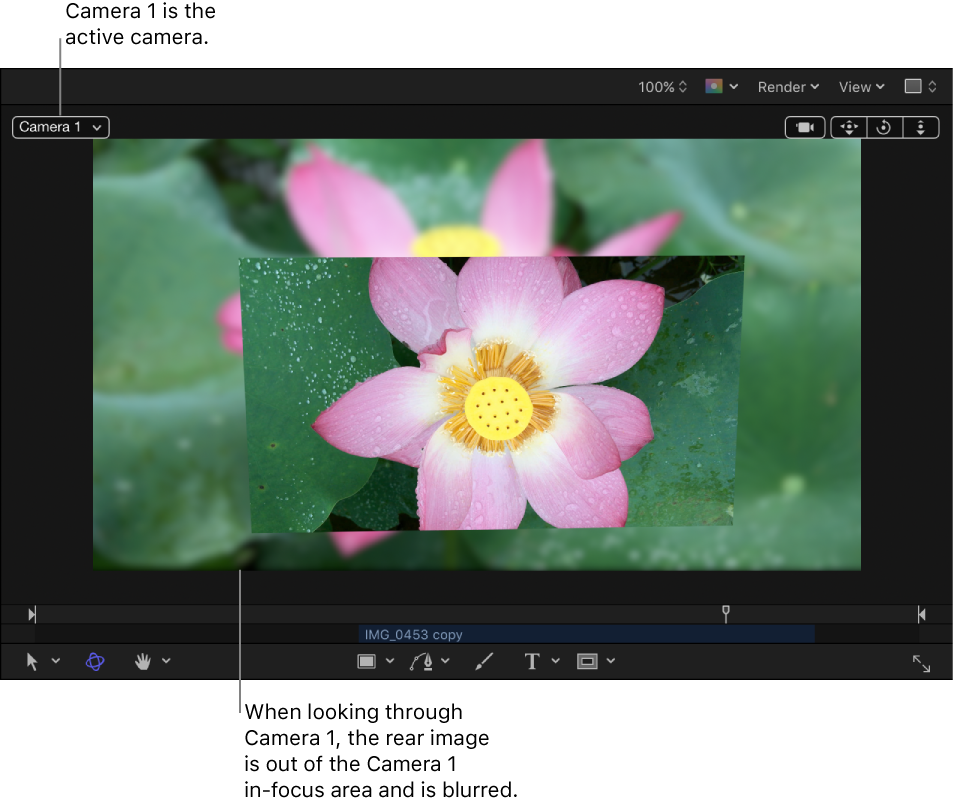
In the real world, cameras have a limited range of focus. Objects within that range appear sharp, and the farther outside that range an object is, the blurrier it appears. This effect is used by camera operators to help limit which part of a scene the viewer pays attention to. Motion lets you simulate that phenomenon, thereby increasing the sense of depth in a 3D scene.
Note: The Depth of Field setting in the canvas Render menu is not available in 360° projects. For more information on working with 360° media, see 360° video overview.
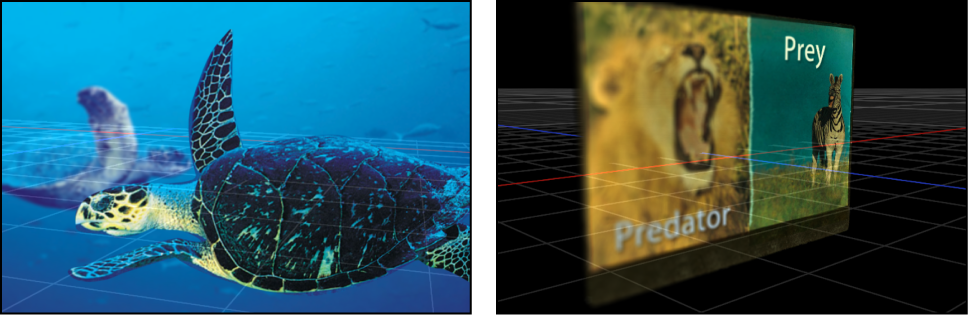
Every camera in Motion has a focus offset that determines the precise location of perfect focus. Stretching away from that point in either direction are near and far focus points, which determine the range of the depth of field.