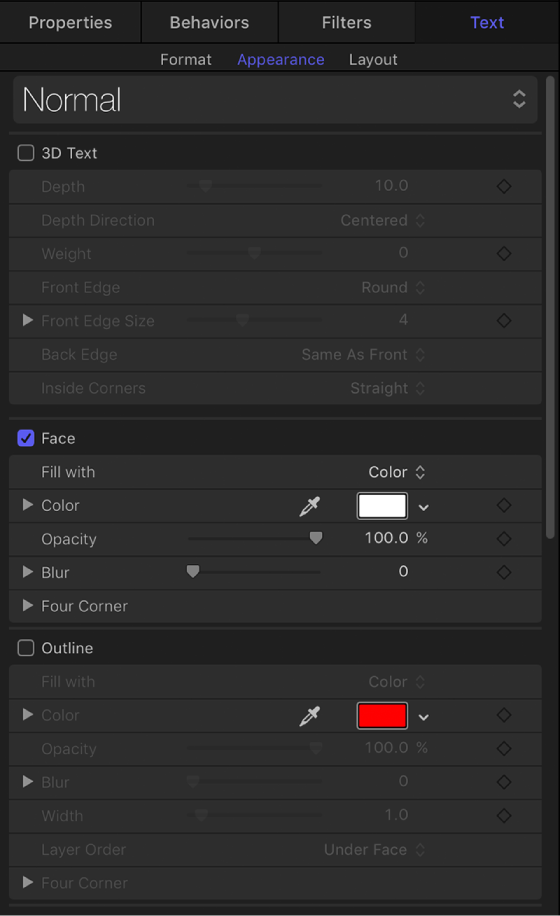
The Appearance pane of the Text Inspector contains controls for adjusting visual text styles, including color, outlines, glow effects, and drop shadows.
There are several groups of controls in the Appearance pane:
When you select 3D text (by clicking its activation checkbox), two additional groups of controls become available in the Appearance pane:
You can enable or disable a group of style controls by selecting or deselecting the activation checkbox to the left of the group heading. By default, Outline, Glow, and Drop Shadow are deselected.
In the Text Inspector, click Appearance.