
Although most types of behaviors in Motion can be applied to cameras, there is an additional set of behaviors specifically designed to be applied to cameras in a 3D project. These Camera behaviors create common camera moves such as dollying, panning, and zooming without keyframing.
There are six camera-specific behaviors: Dolly, Focus, Framing, Sweep, Zoom In/Out, and Zoom Layer.
Select a scene camera in the Layers list, canvas, or Timeline.
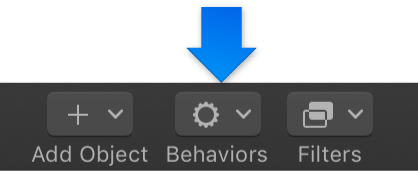
In the toolbar, click Behaviors, choose Camera, then choose an item from the submenu.
The behavior is applied to the camera object and appears under it in the Layers list and Timeline.