Shadows controls in the Light Inspector
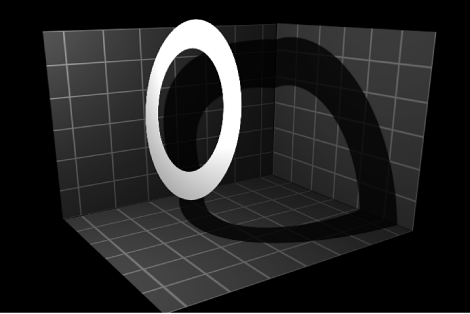
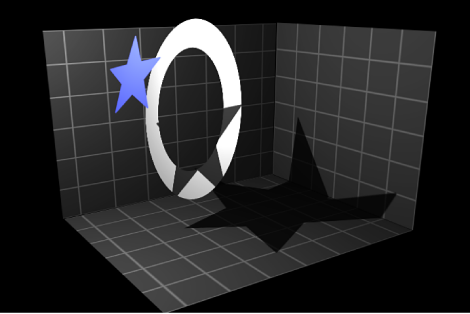
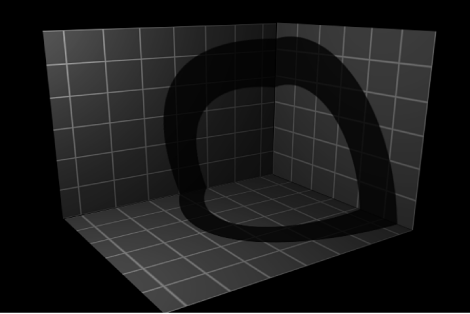
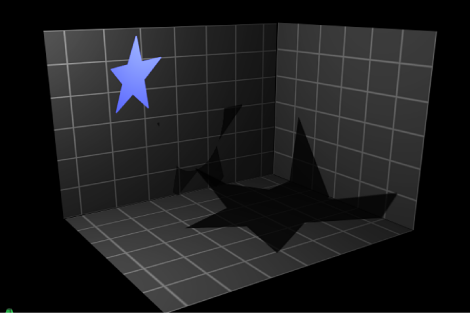
Shadows: A checkbox to turn on Shadows controls. (When activated, the checkbox is blue.) The Shadows checkbox lets you set some lights to cast shadows, and others not to cast shadows.
Selecting this checkbox causes the light to cast shadows on objects in front of it if the objects also have shadow controls enabled. Deselecting it prevents the light from generating shadows, regardless of settings of individual objects.
Opacity: A slider to control the apparent opacity of the shadow.
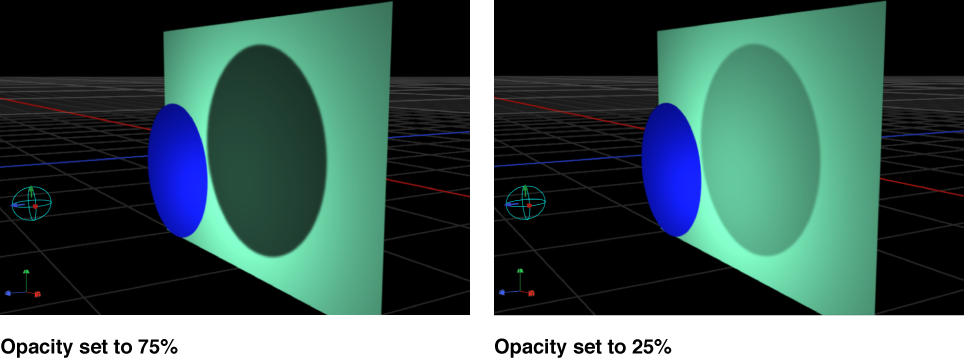
Softness: A slider to specify how blurry a shadow will appear.
Note: The appearance of a shadow depends on the rendering quality of the object casting it. Because a shadow may be larger than the original object, you may see some jagged edges or aliasing on the shadow. If you see such artifacts, check how your image looks when the project is set to Best quality, rather than Draft or Normal. For more information about Canvas display quality, see Custom Canvas view options.
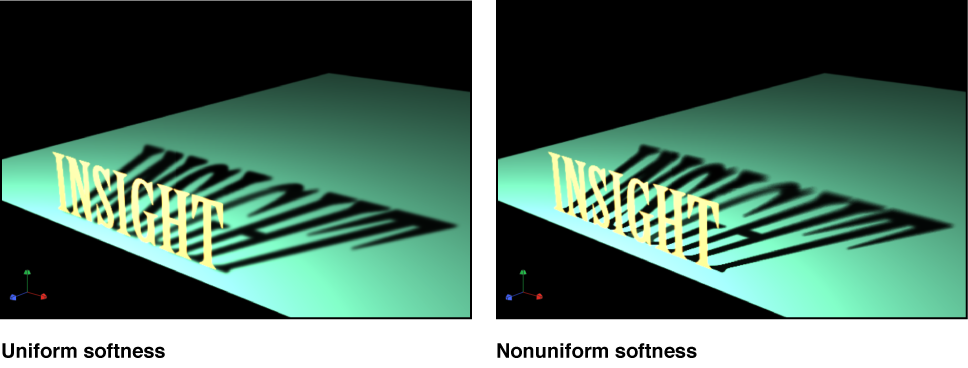
Uniform Softness: A checkbox to constrain the results of the softness slider to a uniform amount of blur on the shadow regardless of distance between the light, the object casting the shadow, and the object receiving the shadow.
By deselecting the checkbox, you enable nonuniform softness, so that when objects are farther from each other, more blur is applied.
Note: Enabling nonuniform softness can impact playback performance.
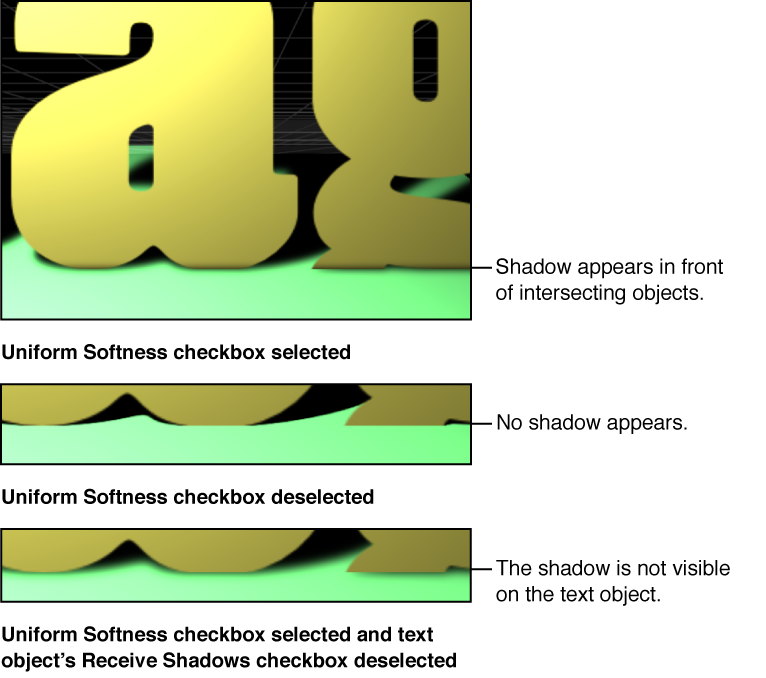
Note: Intersecting objects reveal an unnatural effect of using uniform softness. Because an equal amount of blur is applied to the entire shadow, the blur appears to spill out in front of the intersecting object, creating a strange appearance. This effect can be eliminated in two ways: by deselecting the Uniform Softness checkbox or by setting the object to not receive shadows (by deselecting the Receive Shadows checkbox in the Properties Inspector).
Color: Standard color controls to set the color of the shadow. Although semitransparent objects cast lighter shadows than opaque objects, you cannot create light transmission effects wherein a semitransparent object projects some of its own color onto another object, as stained glass does. For more information on using the color controls, see Basic color controls.
Note: When Shadows are enabled for point lights, spot lights, and directional lights, Motion uses the multiply compositing mode to blend shadows with the objects upon which they’re cast. This means that the result is a darkening effect, regardless of the color of the shadow. If you select a shadow color lighter than the background upon which it is cast, the shadow may not be visible. So, for example, when Shadows are enabled for a light, it’s not possible to cast a white shadow on a dark surface. To override this effect, you must disable the Shadows parameter for the light. For more details, see Shadows without lights.