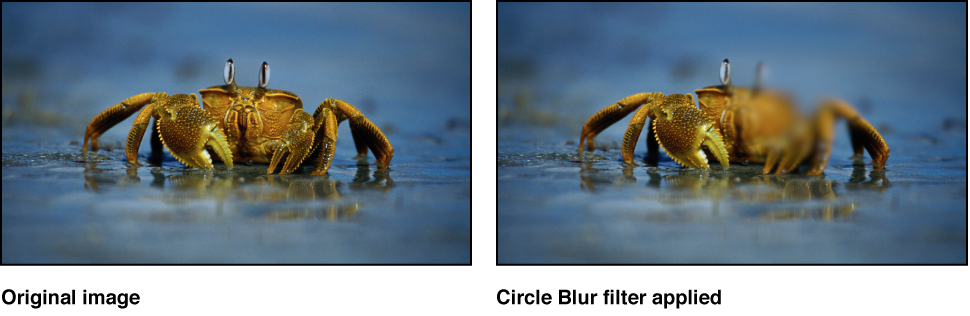

Creates a circular blur within an image. A center point sets the center of the blur effect, and a radius value sets the size of the affected region. You can also customize the amount of blur in the affected area.
Use Circle Blur to blur a limited area in an image. For more sophisticated control of the image region to be blurred, use the Compound Blur filter.
Adjust this filter using the parameter controls in the Filters Inspector:
Center: Sets the position of the center of the blur effect. You can also drag the Center onscreen control in the Canvas.
Amount: Sets the amount of the blur.
Radius: Sets the radius of the circle defining the blurred area. You can also drag the onscreen controls in the Canvas.
Crop: Sets whether the image is cropped beyond its original borders.
Mix: Sets the percentage at which the original image is blended with the blurred image.
Publish OSC: Publishes the filter’s onscreen controls in Final Cut Pro X. For more information on creating content for use in Final Cut Pro, see Final Cut Pro templates overview.