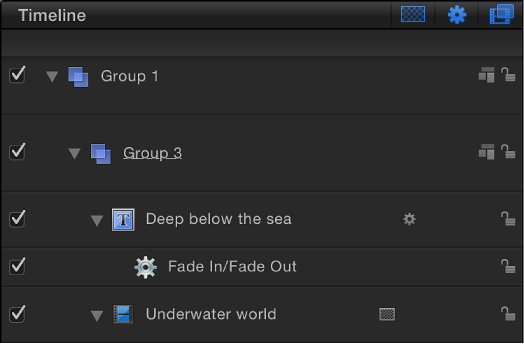

The Timeline layers list (on the left side of the Timing pane) mirrors the Layers list in the Project pane and displays your project objects (groups, layers, filters, behaviors, masks, and so on) and their stacking order. When you reorder in the Timeline Layers list, the change is immediately reflected in the Layers list in the Project pane. The Timeline layers list contains many of the same controls as the Layers list in the Project pane. For more information, see Layers list controls.
The Timeline track area (on the right side of the Timing pane) displays each object in a project as a colored bar (known as a timebar). Different colors represent different types of objects.
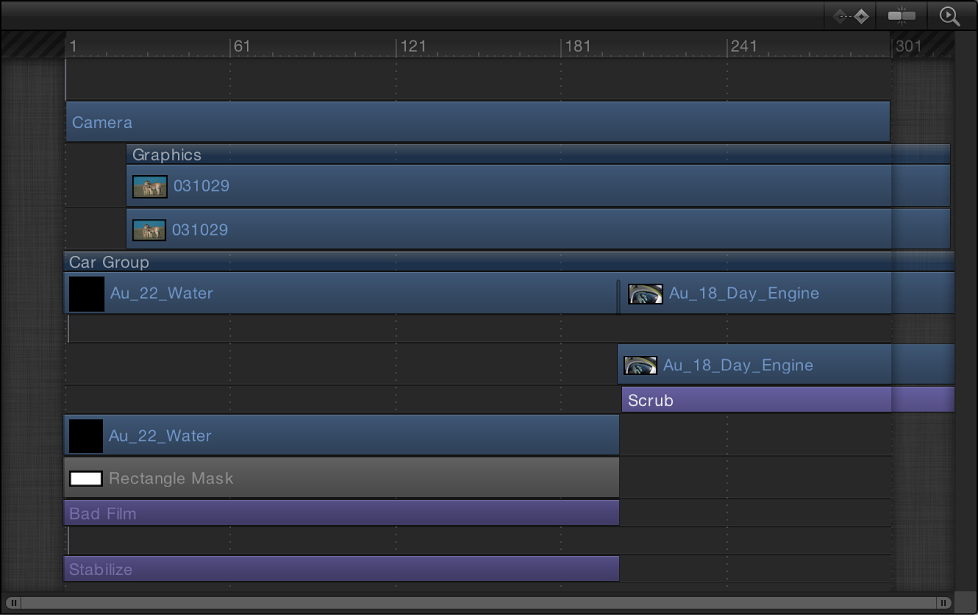
The Timeline track area can contain the following timebars and other icons:
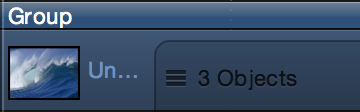
Group: A double blue bar. For groups with multiple layers, the lower bar displays three lines and a value indicating the number of objects in the group.
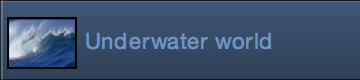
Objects (video clips, stills, shapes, text, particles, replicators, cameras, lights): A blue bar
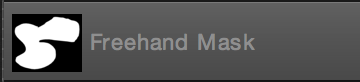
Masks: A gray bar
Behaviors and Filters: A thin purple bar

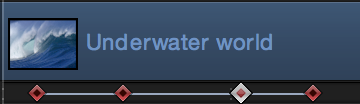
Keyframes: Red diamonds beneath the keyframed object. Selected keyframes appear white.
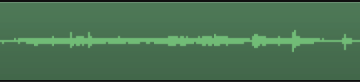
Audio: A green bar displaying the audio waveform. Audio tracks are not displayed by default. For more information on displaying audio tracks see Adjust audio tracks.