Apply a paragraph style
Tap the paragraph, or select the text you want to change.
Tap
 , then tap Text.
Tap a paragraph style (scroll to see them all).
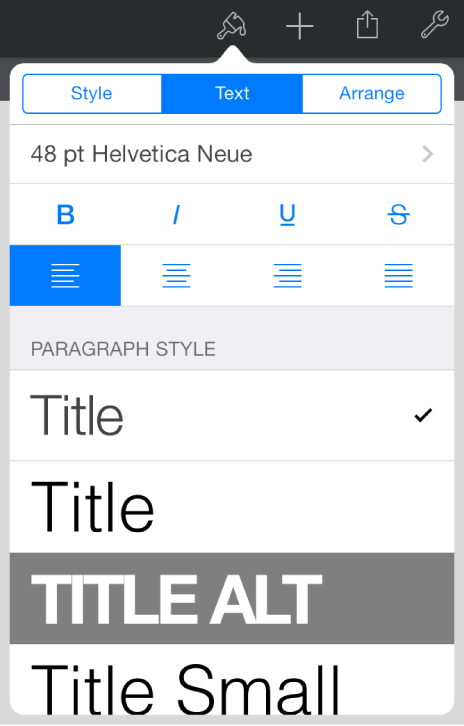

Every Keynote theme includes built-in paragraph styles—a set of attributes like a font size and color—that define how a paragraph looks. Applying paragraph styles to text ensures a consistent look for the text in your presentation.
Tap the paragraph, or select the text you want to change.
Tap , then tap Text.
Tap a paragraph style (scroll to see them all).