
Select a word: Double-tap it (or tap the text, then tap Select).
Select a paragraph: Triple-tap it.
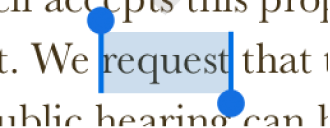
Select a range of text: Double-tap a word, then drag the selection handles to include the range of text you want to select.
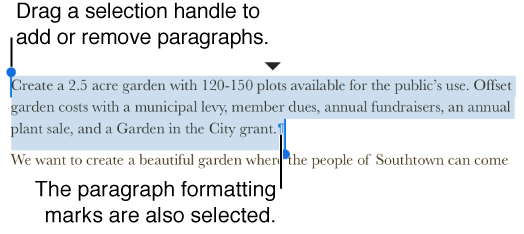
Select text and its formatting marks: Double-tap a word, then drag the selection handles beyond the current paragraph.
The selection includes the entire paragraph and its formatting marks (called invisibles). You can move the selection handles up or down to include or exclude paragraphs in the selection.
Tap outside the selection to exit paragraph selection.