
You might want to create playlists to suit specific moods, to organize songs with a certain theme, or to group songs you want to burn to a CD.
Playlists you create have this icon  next to them.
Choose File > New > Playlist.
Type a name for the playlist.
To add items, do any of the following:
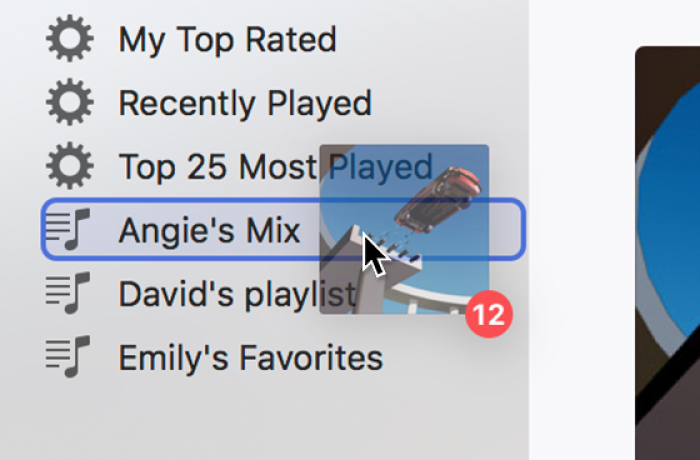
From anywhere in your iTunes library, drag an item to a playlist in the sidebar on the left.
Right-click an item, choose Add to Playlist, then choose a playlist.
Select the playlist and do any of the following:
Change the order of songs: Drag the songs into the order you want.
Remove an item: Select the item and press the Delete key.
If the song is added to your library, this won’t remove the item from your library or storage device.
You can also create a Smart Playlist that updates automatically based on rules you choose, or a Genius Playlist that includes music in your library that’s similar to the selected song.