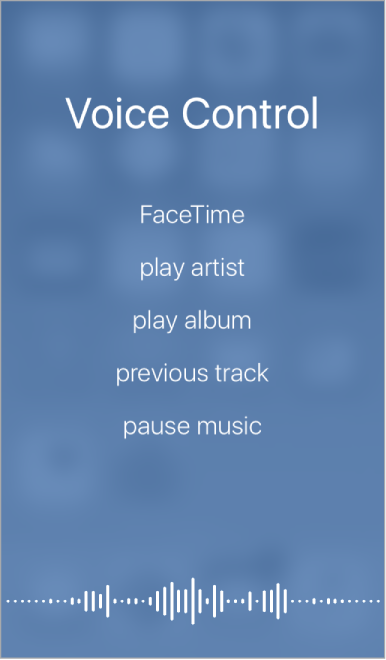
Make FaceTime calls and control music playback with Voice Control, if you have Siri turned off. You may want to use Voice Control if you can’t use Siri because you’re not connected to the Internet. (For information about using Siri to control iPod touch by voice, see Make requests.)
Note: Voice Control and Voice Control settings aren’t available when Siri is turned on.
Use Voice Control. Turn Siri off in Settings > Siri. Then press and hold the Home button until the Voice Control screen appears and you hear a beep.
For best results:
Speak clearly and naturally.
Say only Voice Control commands, names, and numbers. Pause slightly between commands.
Use full names.
You must speak voice commands in the same language that’s set for iPod touch (in Settings > General > Language & Region).
Turn off Voice Control. Go to Settings > General > Accessibility > Home Button, then choose Off (under Press and Hold to Speak).
You can keep Voice Control from dialing FaceTime calls when iPod touch is locked. Go to Settings > Passcode, then turn off Voice Dial.
For specific commands, see Siri and Voice Control.