
Show all information, including EXIF information
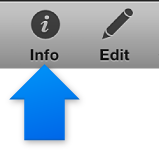
Select a photo, and then click the Info button in the toolbar.
The Information pane appears. The photo’s EXIF information appears at the top.
Below the EXIF information, you can change the title, description, and rating by clicking the fields and typing new information.
If you select a different photo, its information appears here.
To hide the Information pane, click the Info button again.
Note: You can also show the Information pane by choosing View > Info.