Close a trace document when you’re done working with it.
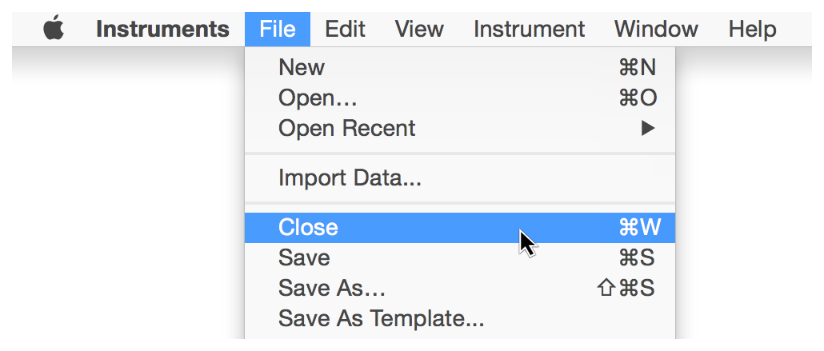
Choose File > Close (or press Command-W).
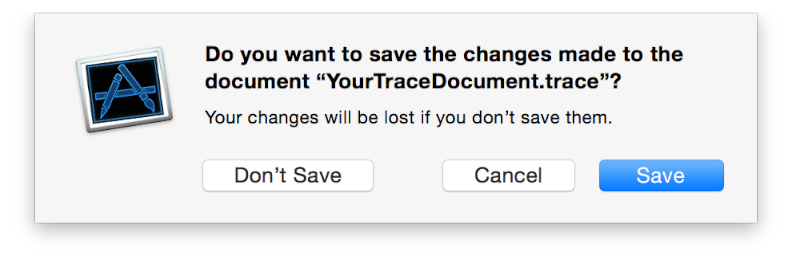
If your document contains unsaved data, select whether to save the updated document.
The document closes.