
Once you’ve created a trace document, you can save it for later reference. Instruments saves trace documents as Instruments trace files with the .trace extension.
Create a trace document. See Create a trace document.
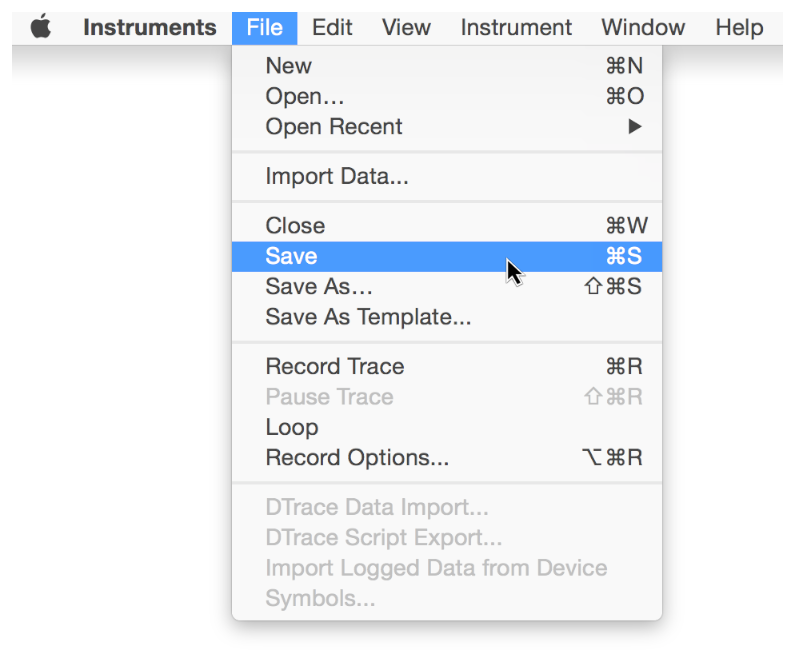
Choose File > Save. Or, choose File > Save As if you want to save a previously saved trace document as a new file.
Enter a name for the file.
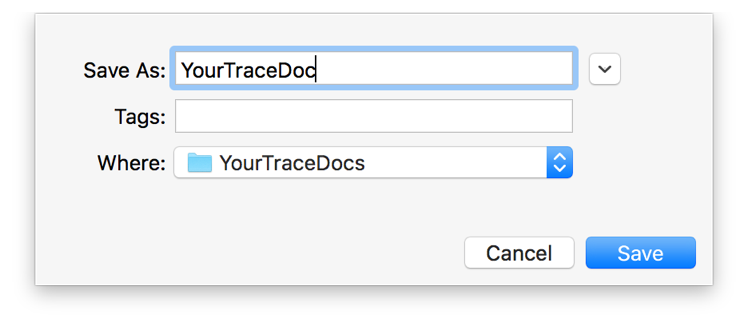
Choose a destination for the file.
Click Save.