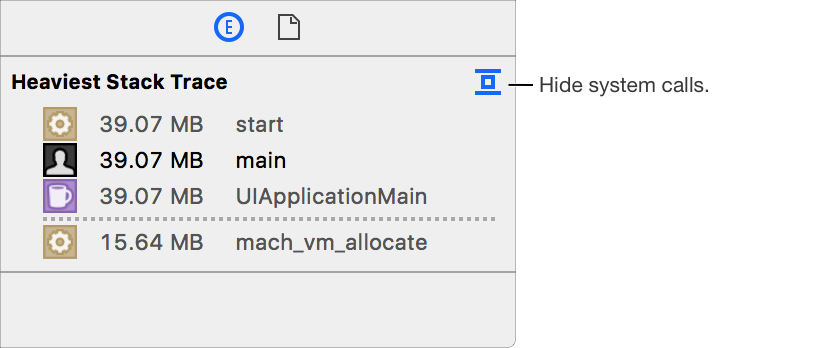
For some instruments, the extended detail area in the inspector pane shows additional information about the item currently selected in the detail pane. This extended detail information can include a description of the probe or event that was recorded, a stack trace, and the time when the information was recorded, as well as other information.
Do one of the following:
Choose View > Inspectors > Show Extended Detail or Hide Extended Detail (or press Command-1).
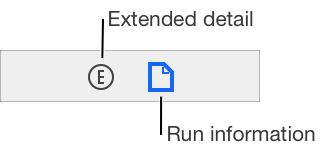
Click the Extended Detail button ( ) in the navigation bar at the top of the inspector pane.
You can hide system calls in a stack trace by clicking the Collapse button  at the top of the stack trace area in the extended detail area of the inspector.