
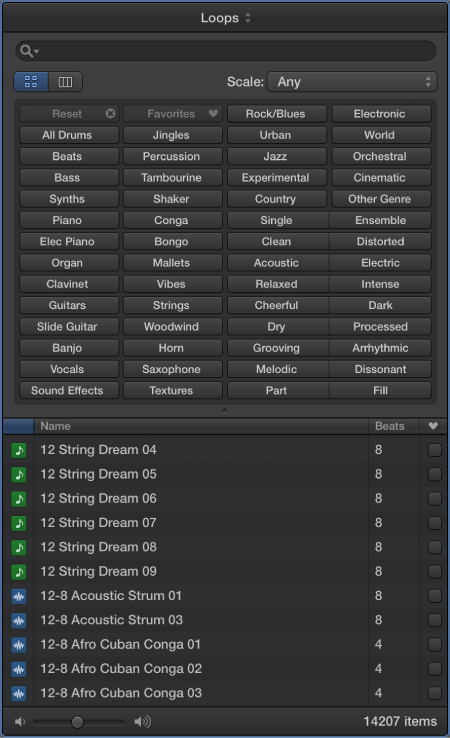
The Loop Browser contains the loops you can add to your project. Using keywords, you can search for loops by name, instrument, genre, and mood. You can also refine your searches.
Do one of the following:
Click the Loop Browser button  in the control bar.
Choose View > Show Apple Loops (or press O).
Do one of the following:
Click the Button View button  , then click keyword buttons to see the matching files in the results list. If a keyword is dimmed, there are no loops that match that category.
Click the Column View button  to see a standard OS X column file directory that is hierarchically separated into All, Favorites, Genres, Instruments, and Moods search criteria. Select a keyword type in the left column, select a category in the middle column, then select a keyword in the right column to see the matching files in the results list below.
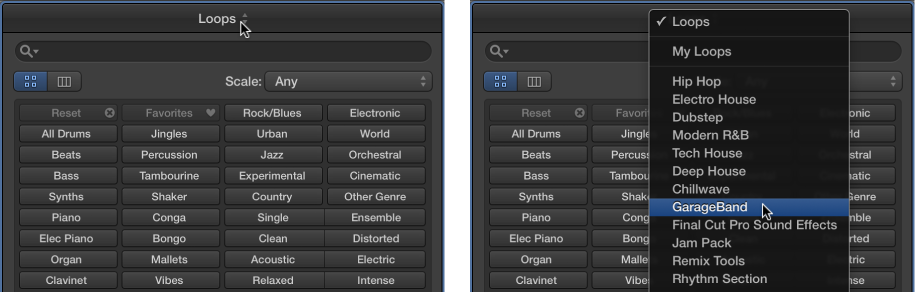
Click Loops at the top of the Loop Browser, and in the pop-up menu that appears, choose the Jam Pack or folder with the loops you want to view.
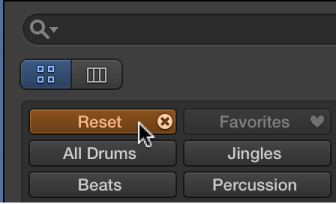
Click the Reset button.
Enter a search term in the search field, then press Return.
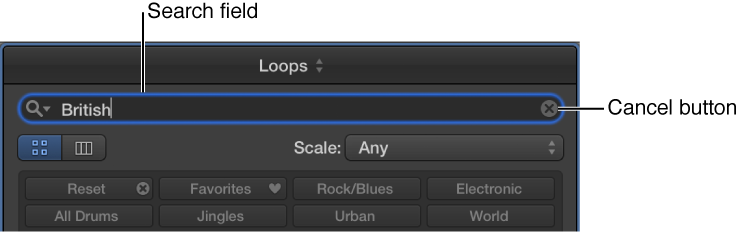
The search term can be alphabetical or numerical. Any files that match your search term are displayed in the results list.
Tip: You can limit the software instrument loops shown in the results list of the Loop Browser to those in keys within two semitones above and below the key of the project. You set this search limitation in the Loops preferences.
To view a recent search term: Click the magnifying glass icon at the left side of the search field, then choose a search term from the pop-up menu to display the results.
To clear a search term: Click the small “x” at the right side of the search field.
To clear all search terms: Click the magnifying glass icon at the left side of the search field, then choose Clear Search History from the pop-up menu.