
When thousands of loops are installed on your hard disks, finding a particular Apple Loop can be a daunting prospect. Fortunately, you can use a number of key criteria—location and scale—to restrict your search or browsing results. You can also sort the search results.
Click Loops at the top of the Loop Browser, and in the pop-up menu that appears, choose the Jam Pack or folder with the loops you want to view.
If you have one or more Jam Packs installed on your computer, you can display only the loops from a particular Jam Pack, or only the loops included with GarageBand. If you have Apple Loops from third-party manufacturers installed on your computer, you can choose to display third-party loops only. If you have created your own Apple Loops, you can display the loops for your user account, or loops shared by all users on your computer.
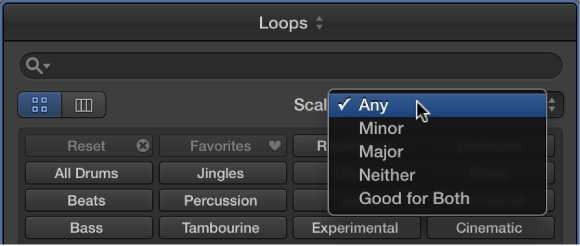
Choose Any, Minor, Major, Neither, or Good for Both from the Scale pop-up menu.
Click any of the column headers to sort the results by that column type, in ascending or descending order.
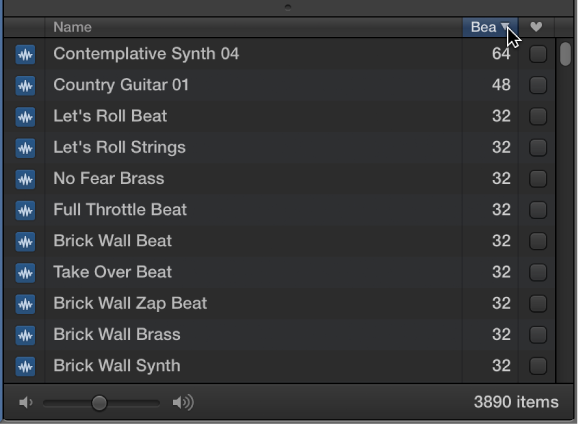
Note: If the Tempo and Key columns aren’t visible in the Loop Browser, you can turn them on via the Loops preferences.
Do one of the following:
Control-click the button, choose a keyword category from the shortcut menu, then choose a new keyword from the submenu.
Drag a button over another button to switch the keywords on the two buttons.
To revert to the original layout of keyword buttons, click the Reset button in the Loops preferences.