
Viewer mode is similar to the Split View layout in the Aperture main window. Use the filmstrip to navigate through, organize, and rate your photos. Photos selected in the filmstrip appear above the filmstrip in high resolution, filling the screen.
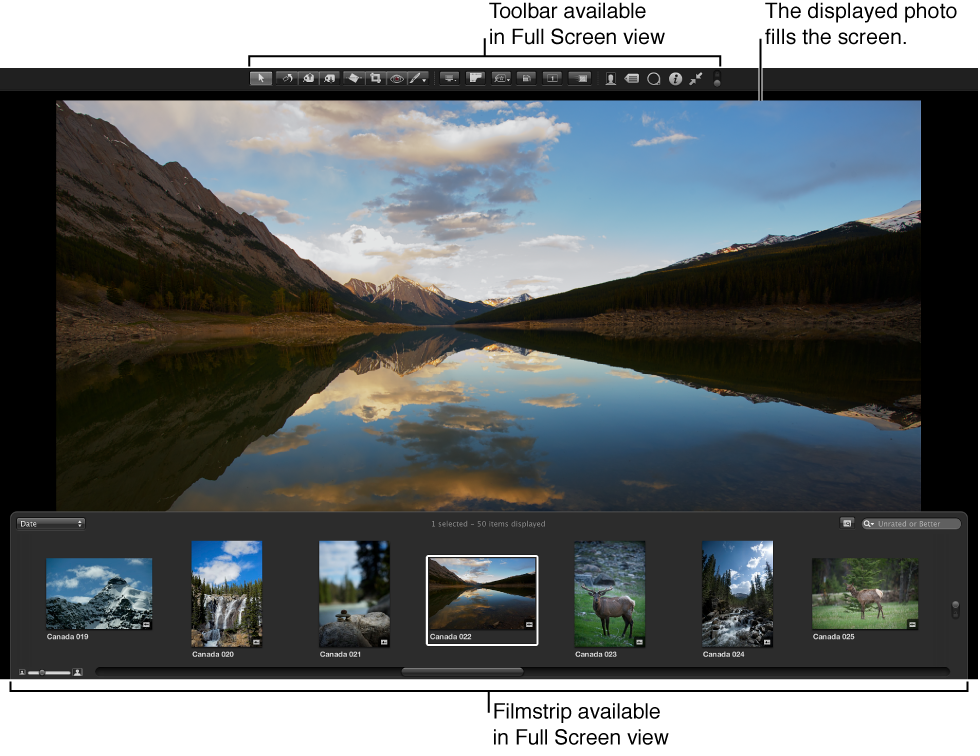
You can dock the filmstrip on the left, right, or bottom of the screen—wherever it best suits your work habits. You can also hide or show the filmstrip.
Use the toolbar buttons and tools to modify your photos. The toolbar includes buttons for creating versions and working with stacks, as well as a full set of image adjustment tools.
For more information, see Work in Viewer mode in full-screen view.
Browser mode is similar to the working layout you see when the Browser is set to grid view in the Aperture main window. The search field and Filter HUD are accessible for filtering photos, and the Library Path Navigator pop-up menus provide access to all the items in the Library inspector.
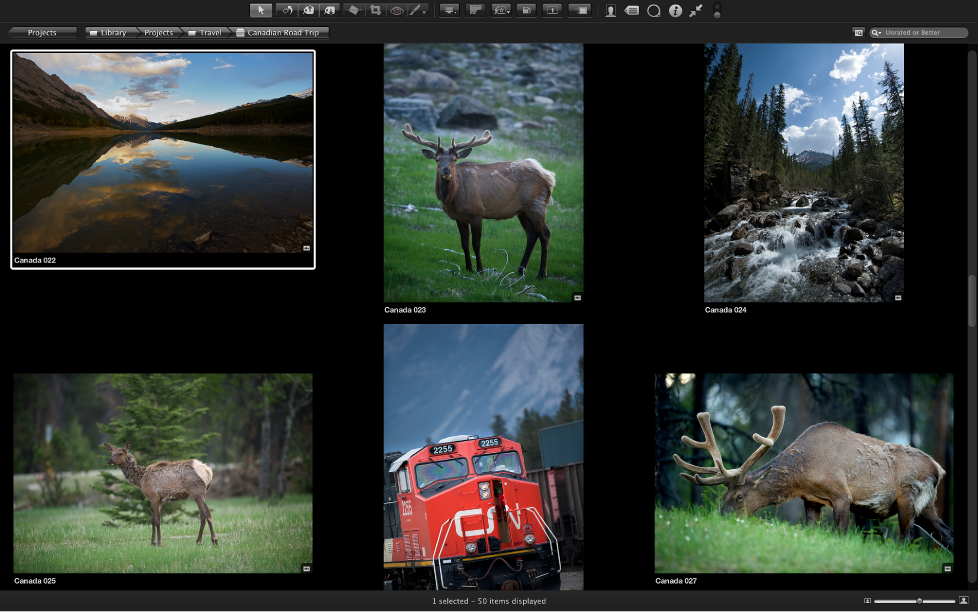
For more information, see Work in Browser mode in full-screen view.
Projects mode is similar to the Projects view in the Aperture main window. Each project is displayed as a thumbnail image. You can group projects by the year the photos were created or by the folders in which they reside in the Library inspector.
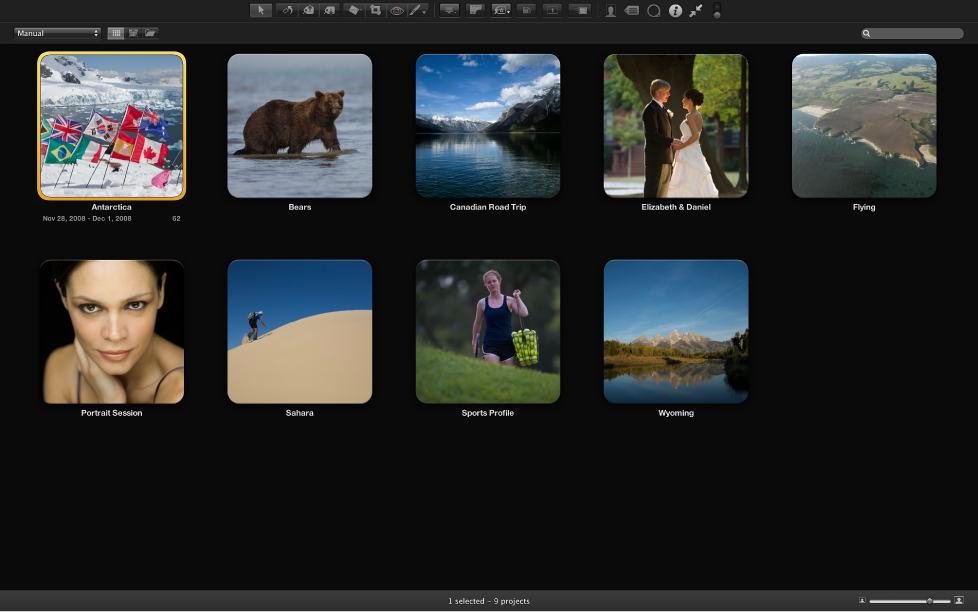
For more information, see Work in Projects mode in full-screen view.