
Your signing certificates are not valid unless you have the correct intermediate certificate installed in your keychain. Developer ID
An intermediate certificate ensures that your certificates were issued by a trusted source. The intermediate certificate, named Apple Worldwide Developer Relations Certification Authority, is installed in your system keychain when you install Xcode. The intermediate certificate for certificates is called Developer ID Certification Authority. If you accidentally remove an intermediate certificate, you can download and reinstall it.
Alternatively, download provisioning profiles and Xcode installs any missing intermediate certificates.
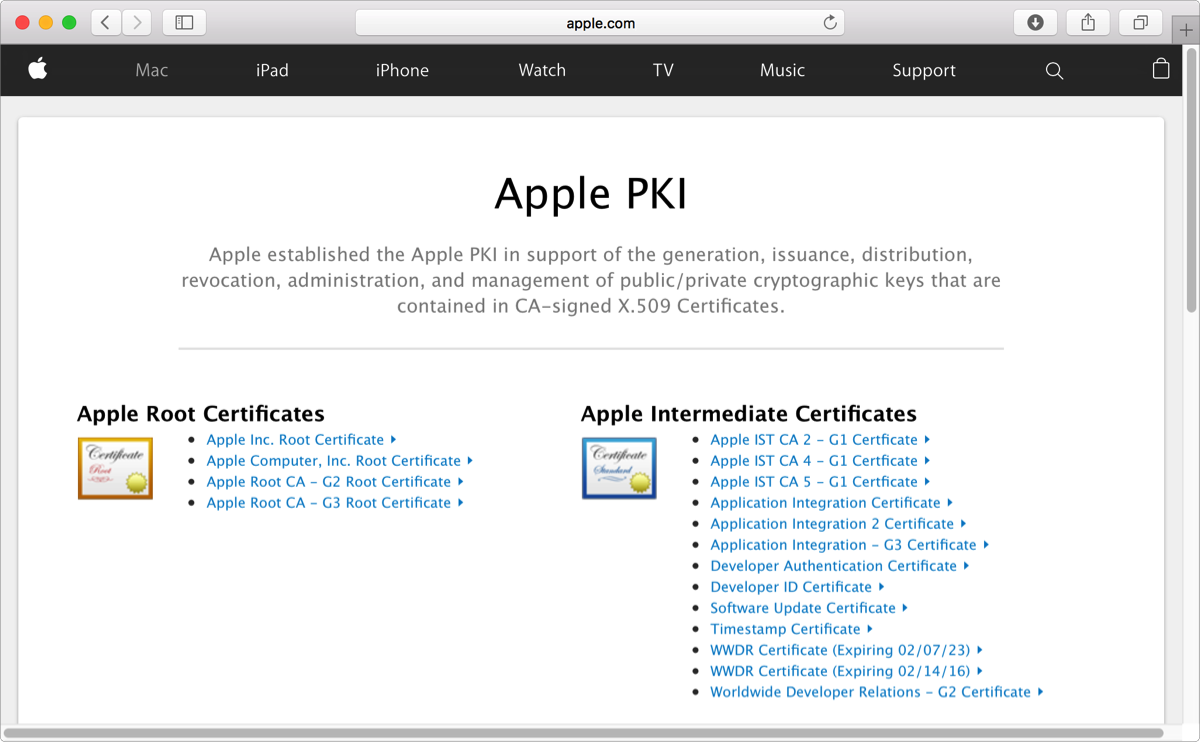
Under Apple Intermediate Certificates, click the link for the intermediate certificate you’re missing.
A certificate file, with a .cer extension, appears in your Downloads folder.
Double-click the certificate file to install it in your system keychain.