
Use the scheme editor to specify runtime arguments and environment variables for your app to use when it runs in Xcode.
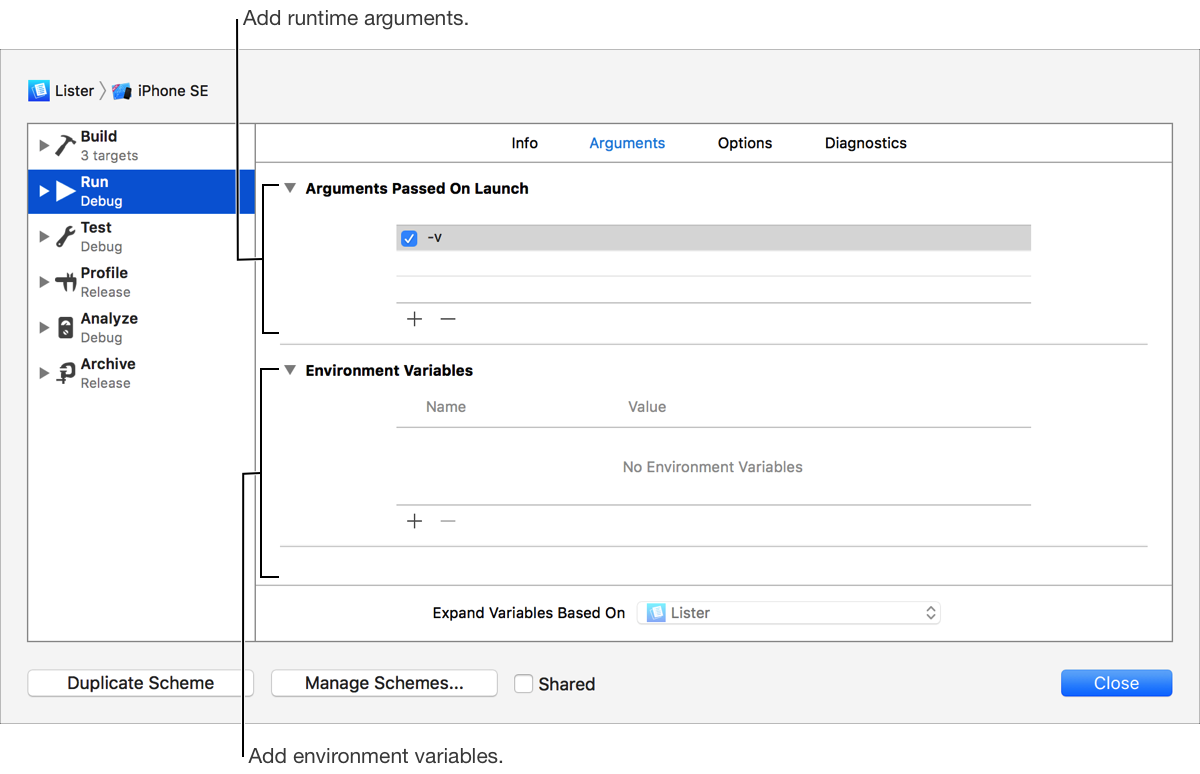
Choose Edit Scheme from the scheme menu in the toolbar.
In the left column, select the Run scheme action.
Click Arguments at the top of the right column.
To add a runtime argument, click the Add button (+) at the bottom of the Arguments Passed On Launch table and enter the argument.
To add an environment variable, click the Add button (+) at the bottom of the Environment Variables table and enter the variable name and value.
Click Close.