
Store your GitHub and GitHub Enterprise credentials in Accounts preferences so you don’t have to enter them for each source control action.
In the lower-left corner of Accounts preferences, click the Add button (+).
In the sheet that appears, select GitHub or GitHub Enterprise, then click Continue.
Enter your account name and password, and for GitHub Enterprise, enter the URL.
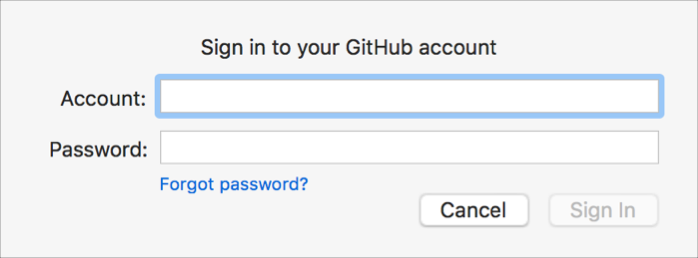
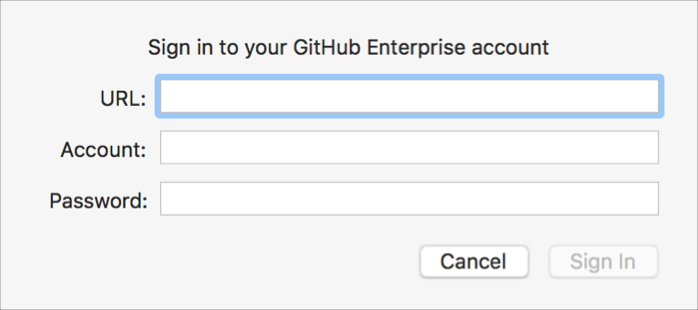
Click Sign In to add the account.
If you set up two-factor authentication, follow the instructions to authenticate yourself.
Note: To set up two-factor authentication on GitHub.com, edit your Security settings, click Set up two-factor authentication, and follow the instructions.