
Export your app when you want to distribute it directly to users or a group of testers.
In the Archives organizer, select the archive you want to export, then click Export.
Note: If the Export button is disabled, verify that the archive contains a single top-level app.
In the sheet that appears, select the type of export, then click Next.
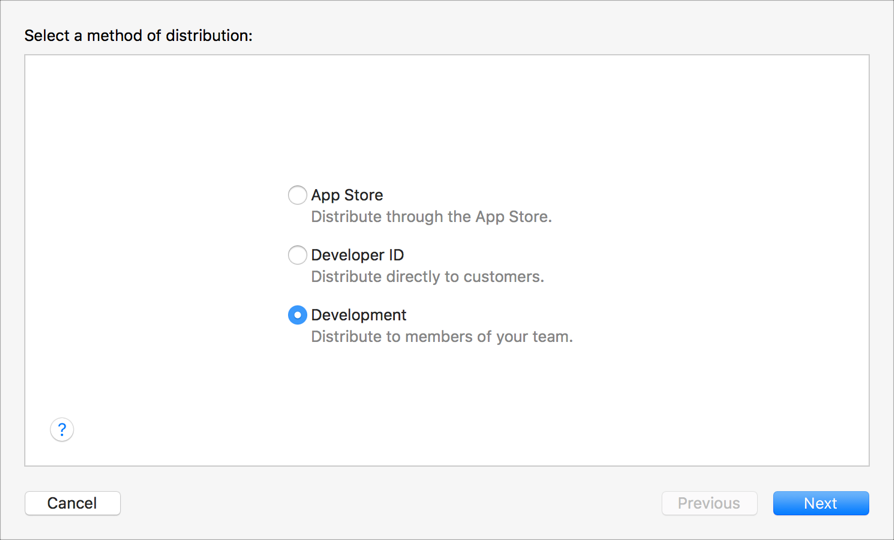
To learn about the distribution methods, go to Distribution methods.
In the sheet that appears, choose distribution options, then click Next.
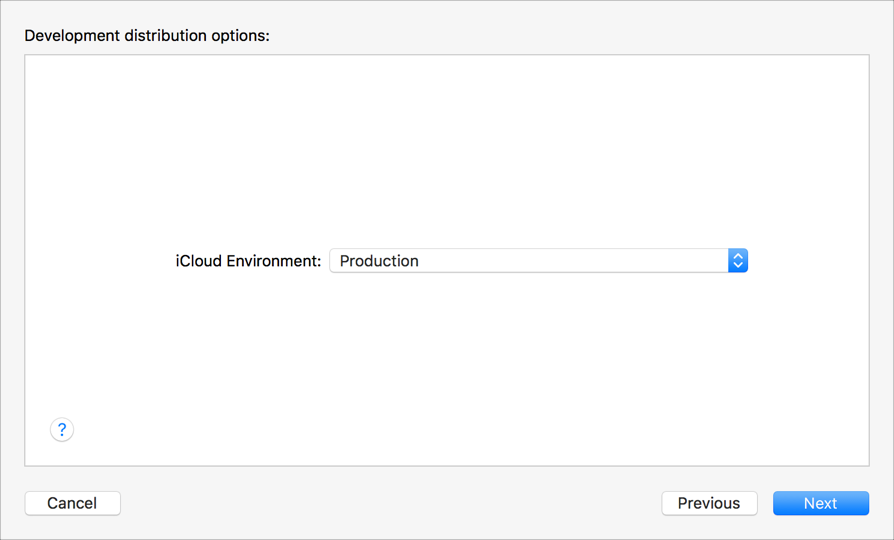
To learn about the distribution options, go to Distribution options.
In the sheet that appears, choose a signing option, then click Next.
To learn about the signing options, go to Distribution signing options. If you select “Manually manage signing”, go to Manually manage distribution signing for alternate steps.
If you are missing a required distribution certificate, follow the instructions in the next sheet to create it.
Review the signing certificate, provisioning profile, and entitlements, then click Export.
In the sheet that appears, choose a folder location, then click Export.
A folder containing the archive export files appears in Finder.