
You use Accounts preferences to download all provisioning profiles. Xcode downloads only the necessary provisioning profiles depending on what is found locally.
If you use automatic signing (recommended), Xcode manages provisioning profiles for you and you don’t need to download provisioning profiles yourself. Otherwise, changes you make in your developer account aren’t automatically reflected in Xcode. For example, if you create a custom provisioning profile in your developer account, download provisioning profiles in Xcode to get those changes. Optionally, download individual provisioning profiles on the General pane when you manually sign your app.
Note: You must have an Apple ID that belongs to the Apple Developer Program to manage provisioning profiles. If you are using a personal account or are a member of a team, the tasks you can perform may be limited.
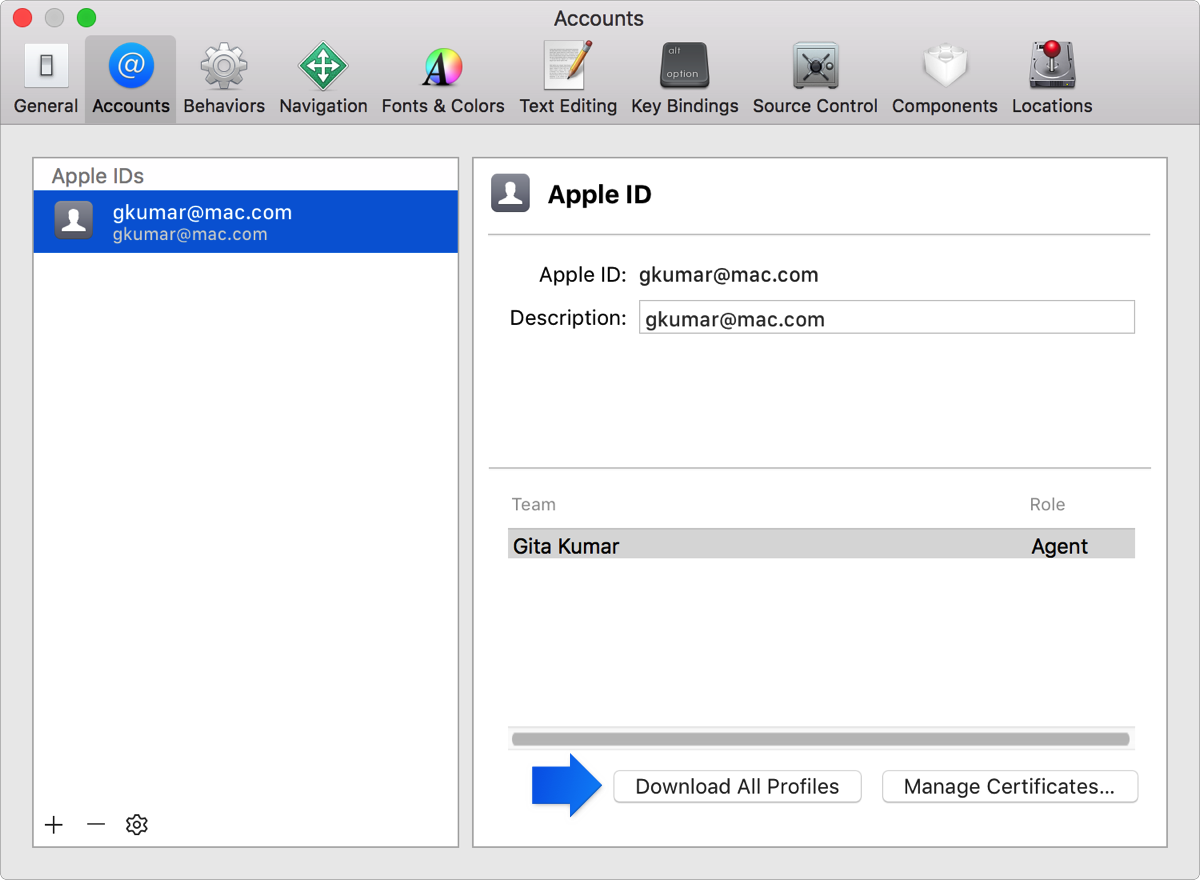
In Accounts preferences, select a team and click Download All Profiles.
The provisioning profiles for the selected team are downloaded and installed.